Google Ads Pay-Per-Lead Goals Terms: What the Opt-In Means
Google Ads pay-per-lead goals terms now need an opt-in. What the terms reportedly cover, how pay-per-lead Performance Max works and what to check first.

In this article
Google Ads pay-per-lead goals terms are now showing up in advertiser accounts as a separate setting called “Ads with pay-per-lead goals terms.” Advertisers have to opt in to activate it. Search Engine Roundtable reported the rollout on November 10, 2026, after Google Ads specialist Natasha Kaurra shared a screenshot on LinkedIn, and Adriaan Dekker first flagged the new option on November 7.
The terms connect to Performance Max campaigns with pay-per-lead goals, the format Google describes in its official help page as built on the same models as Local Services Ads. Instead of paying per click, you pay when a customer contacts your business through the ad.
This matters most to US home service and storefront businesses, and to agencies that manage Local Services Ads. Google has not published a statement on the new terms setting, so here is what is confirmed, what is only reported, and what to check before you click accept.
What the new terms reportedly cover
The full terms text has not been published in any of the reports. Both Search Engine Roundtable and Adriaan Dekker rely on Kaurra’s reading of the terms, which lists four main points:
- Your business must meet Google’s provider requirements and cooperate with verification checks.
- Google gets broad permission to use the content you submit, including business information and branding.
- Calls and messages from the ads may be monitored and recorded, with the required permissions.
- You stay responsible for service quality and customer disputes.
Kaurra also pointed out what is missing: “these terms don’t explain lead prices, credit eligibility or guarantee booked jobs.” She added that seeing the setting does not confirm your campaign is eligible or that your account has been migrated.
How pay-per-lead goals work in Performance Max
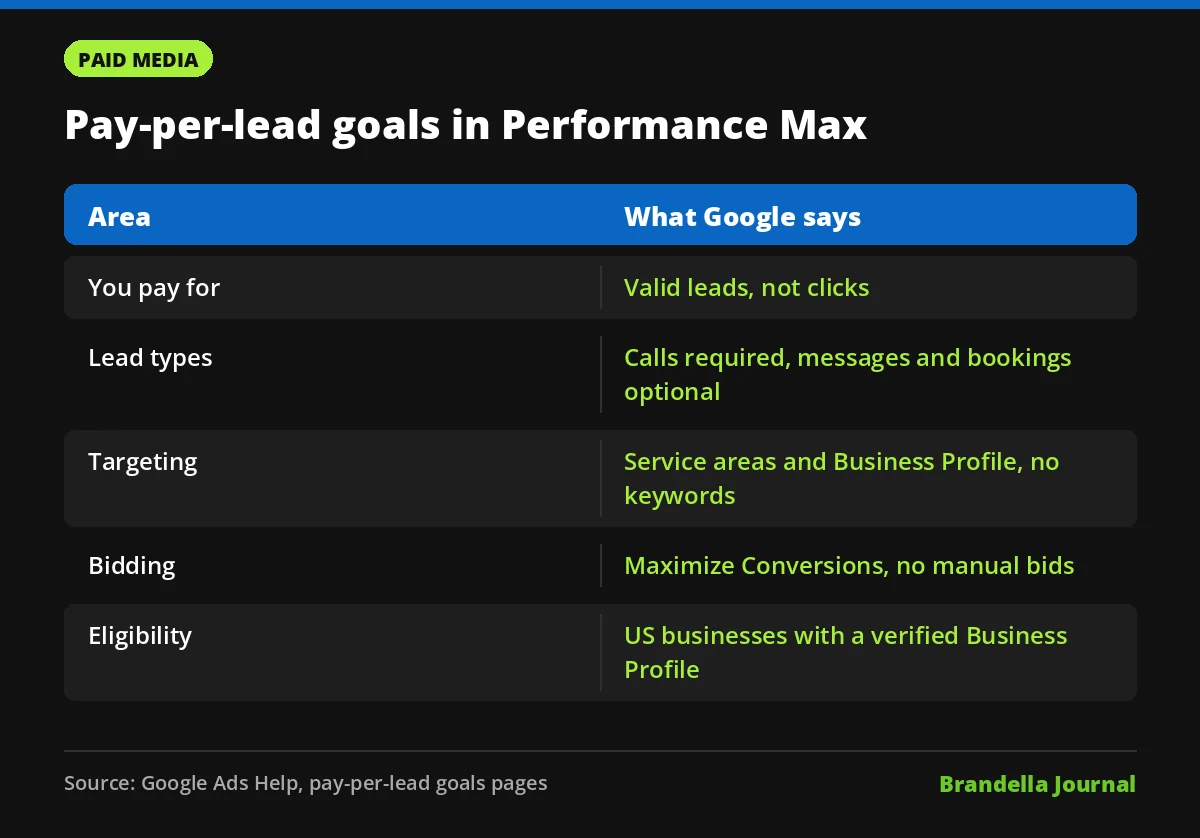
Google’s help pages give the confirmed details. A lead is a contact made directly through your ad. Phone calls are required, text messages and emails are optional, and bookings are optional and available from October 2026.
Billing is per lead, not per click. Google says “you are only charged for valid, qualified phone leads that meet minimum call duration requirements.” There is no keyword targeting. Campaigns use service areas, ad schedules and your Google Business Profile data instead.
| Area | Pay-per-lead goals in Performance Max |
|---|---|
| You pay for | Valid leads, not clicks |
| Lead types | Calls (required), messages and emails (optional), bookings (optional, from October 2026) |
| Targeting | Service areas, ad schedule, Business Profile data, no keywords |
| Bidding | Maximize Conversions by default, no manual bidding |
| Who can use it | Businesses located and operating in the US with a verified Business Profile in an eligible category |
Who is eligible right now
Per Google, your business must be located and operate in the United States, have at least one verified Google Business Profile, and work in an eligible storefront or home services category from the Local Services Ads list. Extra background checks may apply depending on category and location.
Not every vertical is in yet. Google says categories that need advanced verification, such as locksmiths and garage door services, are sent to the legacy Local Services Ads portal for now, and will become available in Performance Max in 2027.
Google Ads pay-per-lead goals terms: what to check before opting in
These steps are Brandella’s recommendations, not official Google instructions.
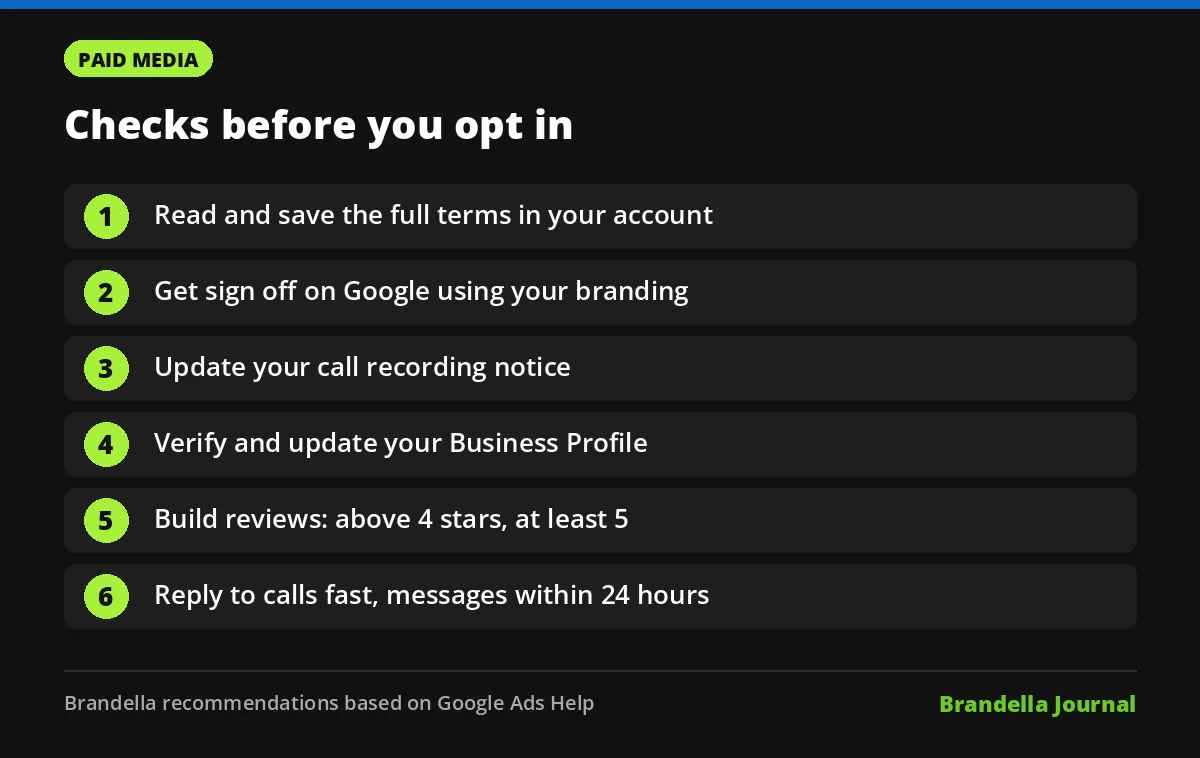
- Read the full terms in your account. Do not rely on summaries, including this one. Save a copy with the date you accepted.
- Get sign off on branding use. The reported terms give Google broad rights to use your business information and branding. Check this with whoever owns brand and legal approvals.
- Update your call recording notice. If calls may be recorded, make sure your staff know, and that your own privacy notice covers it.
- Check your Business Profile first. Google says the profile must be verified, and that name, address and hours come from it. Our Google Business Profile guide covers the basics.
- Build reviews before launch. Google’s best practices suggest ratings above four stars and at least five reviews. See how to get more Google reviews without breaking the rules.
- Plan for fast replies. Google advises answering calls promptly and opting into messages or bookings only if you can respond within 24 hours.
Bidding and budget tips from Google’s help pages
Google’s best practices page recommends Maximize Conversions. It suggests adding a target CPA only after launch, and only if you get more than 15 leads a month and your cost per lead is higher than you want, because a target CPA may limit delivery.
Daily spend can also move with demand, so expect some variation. Google says message leads typically cost less than phone leads, and that service areas should not go beyond a two hour drive from your business.
What this means for lead generation advertisers
Our reading: the opt in setting looks like a step in moving Local Services Ads style buying into Performance Max. That gives local businesses the comfort of paying for leads, but less control than a classic Search campaign with keywords. Our comparison of Search vs Performance Max explains that trade off.
Our advice: accept the terms only once you understand them, then judge the channel by booked jobs, not lead count. Track every lead through to revenue, and use our lead quality playbook to keep low value contacts from eating your budget. For a related shift in how local pros get booked, see our post on AI Mode home services booking.