AI Web Development Mistakes: Chrome Lists the Top 10 Fixes
Chrome listed the top 10 AI web development mistakes coding agents make, from focus traps to layout shifts. What each fix means for your marketing site.

In this article
The Chrome team has published a list of the most common AI web development mistakes that coding agents make. The post, Top 10 things AI gets wrong in web development by Philip Walton, went live on November 11, 2026 on Chrome for Developers.
It is a follow up to the Modern Web Guidance 1.0 release we covered in our earlier post. This time the focus is concrete: the exact patterns agents get wrong, and the native HTML, CSS and browser features that fix them.
If an AI agent builds your landing pages, forms or theme, these are the bugs most likely hiding in that code. Several of them directly affect accessibility, Core Web Vitals and conversion rates.
How Chrome measured the problem
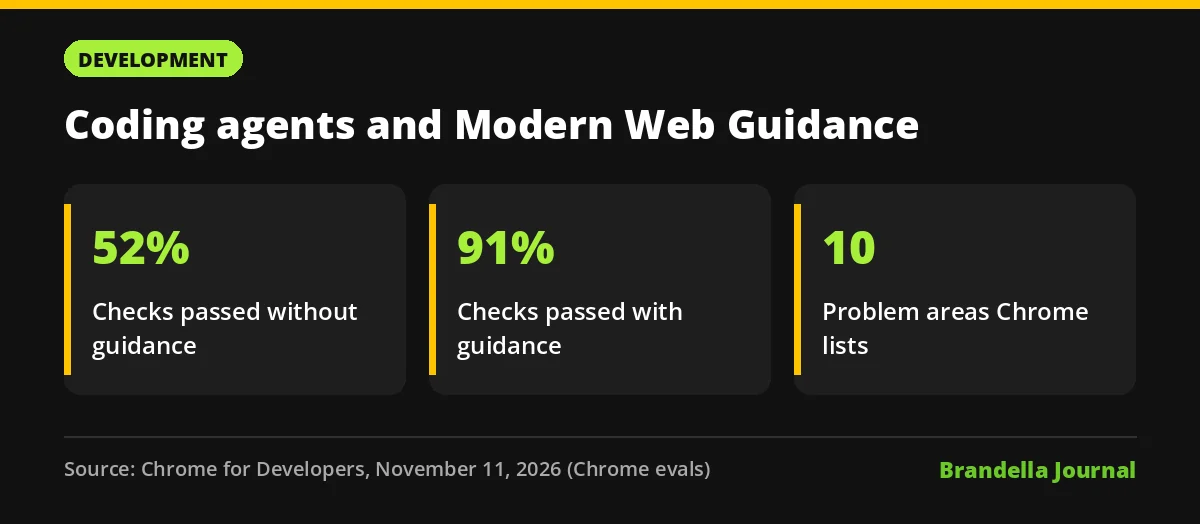
Chrome says unguided coding agents pass about 50% of the Modern Web Guidance eval checks, compared with about 90% when the guidance is installed. The chart in the post shows 52% and 91%. These are Chrome’s own evals, so treat them as a direction rather than an independent benchmark.
The top 10 AI web development mistakes
Here is the list, shortened into what the agent does and what Chrome recommends instead:
| Area | What AI agents often do | Chrome’s recommended fix |
|---|---|---|
| Keyboard focus | Manual JavaScript focus traps, every item a tab stop | Modal <dialog> or inert, roving tabindex, 3:1 focus contrast |
| Reduced motion | Smooth scroll and view transitions always on | Gate them behind prefers-reduced-motion |
| Forms | Errors on untouched fields, placeholders as hints | :user-invalid, persistent hints above inputs with aria-describedby |
| Swipe gestures | Custom touchmove logic on the main thread |
CSS Scroll Snap and scroll driven animations |
| Dialogs and popovers | Fixed overlays with click outside handlers | popover attribute, <dialog>, @starting-style |
| Dark mode | No color-scheme, white flash, no system option |
Color scheme meta tag, light-dark(), a system default choice |
| Responsiveness (INP) | Custom setTimeout() queues |
scheduler.yield(), content-visibility: auto |
| Layout shifts (CLS) | Videos without size, static vh units |
Set width and height, use dvh and svh, font-size-adjust |
| Security | Hand rolled sanitizers, loose Trusted Types | Native setHTML(), strict nonce based CSP with 'strict-dynamic' |
| Passkeys | Manual Base64URL conversion | parseCreationOptionsFromJSON(), getClientCapabilities() |
The mistakes that hurt marketing sites most
Not all ten matter equally for a typical marketing team. Three stand out.
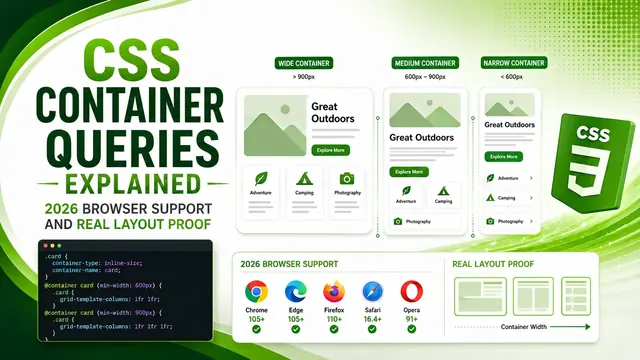
Layout shifts. Chrome notes that <video> elements without explicit width and height default to 300 by 150 pixels, and that old anti flicker snippets used by A/B testing tools can delay LCP. Both are common on landing pages, and Chrome links to the web.dev CLS article for background. Our guide to Cumulative Layout Shift explains why this affects rankings and user trust.
Runtime responsiveness. Agents tend to skip content-visibility: auto on long grids and rely on scroll listeners. That makes pages feel slow on mid range phones, which shows up in Interaction to Next Paint. Chrome’s fix is to break up long work with scheduler.postTask() and scheduler.yield(), and to hide inactive views with content-visibility: hidden plus inert. The web.dev INP article explains how the metric is measured.
Forms. Validation that flags fields before the user has typed anything, and hints hidden under autofill popovers, cost leads. Chrome’s fix is to use :user-invalid, keep aria-invalid in sync and place hints above inputs. Our practical guide to accessible HTML forms covers the same ground.
Why native features beat custom JavaScript
The common thread in the list is that agents rebuild things the browser already does. Custom focus traps, swipe handlers and overlay scripts add code, add bugs and often break keyboard and screen reader users.
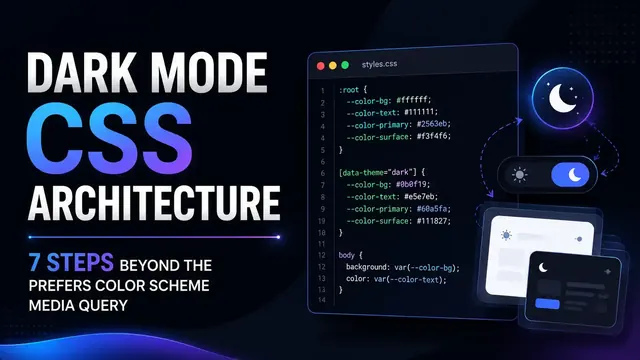
Native features like <dialog>, popover and Scroll Snap are lighter and accessible by default. For dark mode, Chrome’s advice matches what we described in our dark mode CSS architecture guide: set color-scheme so form controls and scrollbars follow the theme.
What developers and marketers should do now
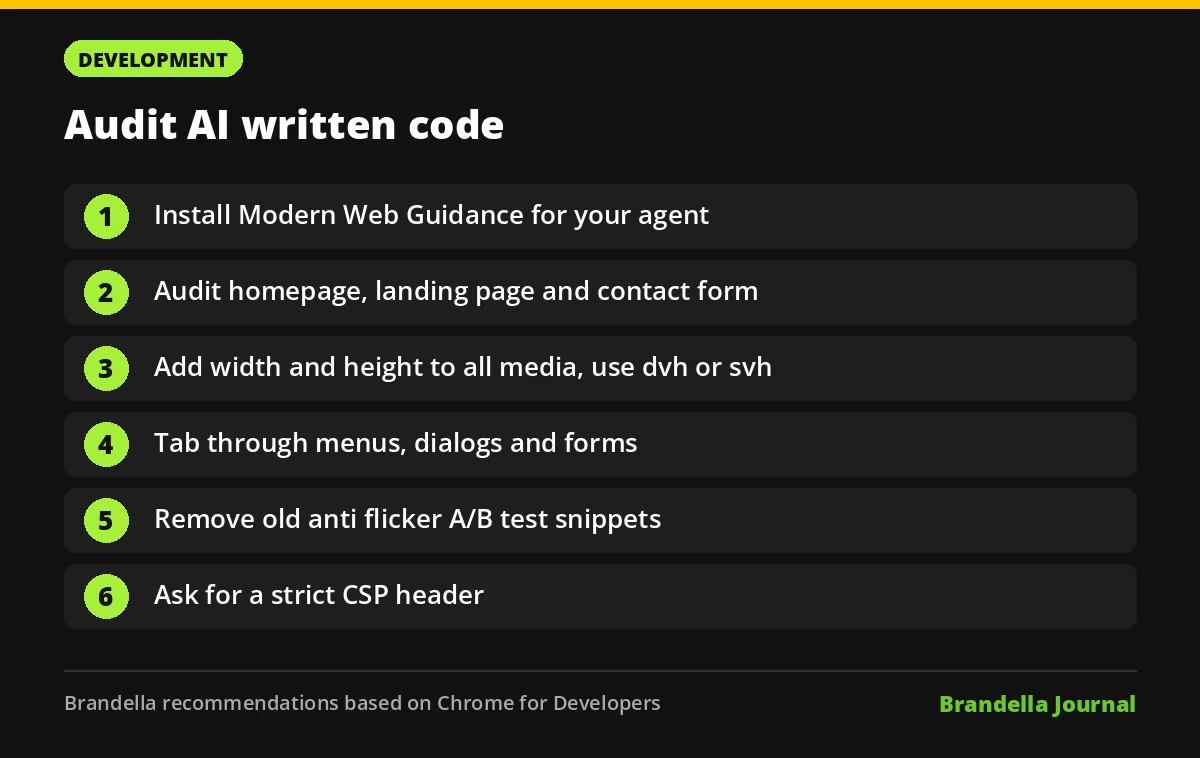
These steps are Brandella’s recommendations, based on the Chrome post:
- Install the guidance. Chrome’s post gives the command
npx modern-web-guidance@latest installfor coding agents. - Audit your top templates. Check your homepage, main landing page and contact form against the ten areas in the table above.
- Fix media sizes first. Add
widthandheightto every image and video, and replace staticvhwithdvhorsvh. These are quick CLS wins. - Test with a keyboard. Tab through menus, dialogs and forms. Focus should move into new views and return when they close.
- Review A/B test snippets. Remove old anti flicker code that hides the page with
opacity: 0and long timeouts. - Add security headers. Ask your developer to set a strict CSP. Chrome notes that agents do not add CSP headers unless asked.
The bigger lesson for AI assisted builds
AI coding agents are fast, but they repeat patterns from older code on the web. A short review checklist and the right guidance files catch most of these problems before they reach users.
Chrome invites feedback on GitHub, so expect the list and the guides to keep evolving.