Now Reading: Content Calendar Planning: 7 Steps to Organize Content
-
01
Content Calendar Planning: 7 Steps to Organize Content

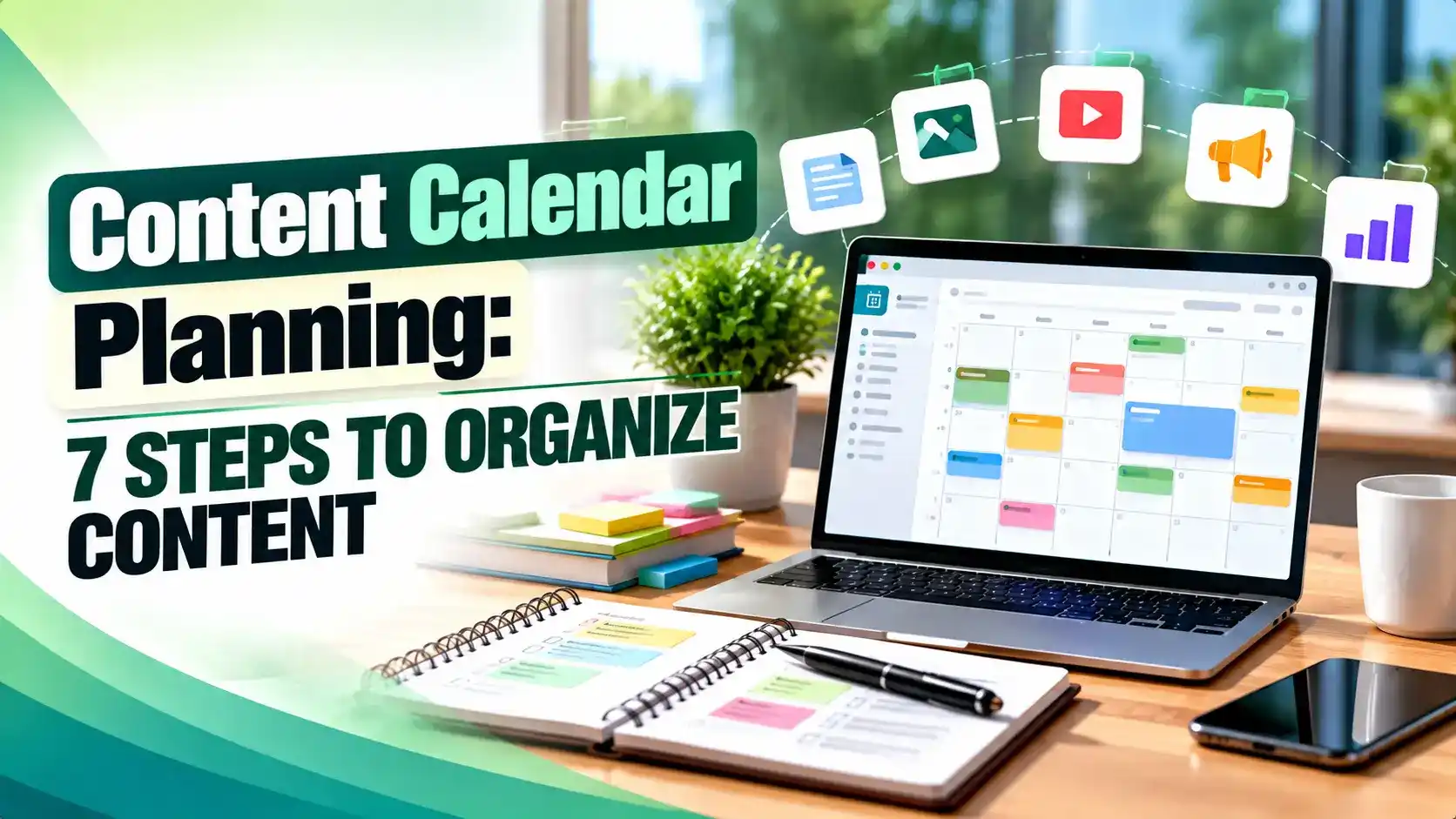
Most content calendars fail not from lack of effort but from missing goals, workflows, and review habits. This guide walks through seven practical steps, goal setting, tool choice, SEO and campaign mapping, approval workflows, scheduling, and review, backed by real guidance from Semrush, Backlinko, HubSpot, Hootsuite, Asana, and CoSchedule.
Hey! If you've ever stared at a blank document on a Monday morning trying to remember what you were supposed to publish this week, this one's for you. Content calendar planning sounds like a chore, but a little structure up front saves a lot of scrambling later.
Picture this: it's Thursday afternoon, a campaign launches in three days, and nobody on the team can say for sure which blog post, email, or social caption is supposed to go out first. That scramble is exactly what content calendar planning is built to prevent, and once you see how the pieces fit together, it stops feeling like busywork and starts feeling like the one habit that keeps your content program from running on panic.
What Content Calendar Planning Actually Involves
Content calendar planning is the practice of mapping what you publish, where it goes, and who owns each piece, laid out far enough ahead that the team is never guessing. Semrush describes an editorial calendar as a visual document that helps you plan and manage your content production workflow on a set schedule. Semrush lists topic, content type, due date, publish date, owner, and status as the core fields worth tracking.
Backlinko frames it more simply as a written schedule of when and where you plan to publish upcoming content, split into four parts: the editorial lineup, the promotional plan around each piece, a backlog of future ideas, and the platform it lives on. Backlinko notes that teams who skip the backlog tend to lose good ideas the moment a brainstorm ends.
Good content calendar planning is not a one person task bolted onto a writer's to do list. It is a shared system a founder, an editor, and a social manager can all open and understand without a meeting.
Step One: Set Goals Before You Touch a Calendar
Backlinko's build order for a calendar starts with strategy, not spreadsheets: define goals, audience personas, channels, and distribution before a single date goes on the page. Only then does it recommend assessing budget, team capacity, and existing content you could repurpose. If you have not written any of that down yet, our content marketing strategy guide walks through the framework first.
This is also where you decide what counts as a win. Traffic, leads, signups, and brand awareness each call for a different content mix, and content calendar planning done without a goal attached turns into a list nobody can prioritize. Pick one primary goal per quarter and let it filter the ideas.
Tip
Before adding a single date, list your last ten published pieces and tag each one by goal. If most were "just because it seemed interesting," that is your sign content calendar planning needs a goal filter, not more ideas.
Step Two: Choose a Cadence and a Tool Your Team Will Actually Use
There is no single correct cadence. Backlinko's team plans roughly six months ahead but leaves room to adjust, while some companies plan a full year out and solo bloggers sometimes plan only a week ahead. The goal is not a specific number of months; it is one place everyone can see what is coming next.
Tool choice matters more than most teams admit. A 2026 Hootsuite comparison of calendar platforms shows how differently these are built: Trello offers boards, lists, and cards with an unlimited free plan but no native social features, while Notion gives customizable databases and calendar views but needs setup work. Hootsuite also notes that Google Sheets remains a free, flexible option many teams reach for when they just need something simple.
Asana's own content calendar page shows how far a dedicated setup can go: calendar and AI powered views, custom fields for approval status, rules that assign tasks automatically, and one click approve, reject, or request edit actions for stakeholders. Asana also connects to scheduling tools like Buffer and Hootsuite so planning and publishing live closer together. CoSchedule takes a similar approach with Kanban, table, and saved calendar views built for marketing teams juggling campaigns, according to its own product announcement.
| Tool | Best Fit | Starting Price |
|---|---|---|
| Google Sheets | Solo creators, very small teams | Free |
| Trello | Small teams, simple boards | Free, paid plans from about $5/user/mo |
| Notion | Flexible individual or team setups | Free, paid plans from about $10/user/mo |
| Asana | Mid size to large marketing teams | Free, paid plans from about $11/user/mo |
| CoSchedule | Dedicated marketing calendar needs | Free calendar, paid plans available |
| HubSpot | Mid size to enterprise and B2B teams | Free and paid plans |
None of these tools do content calendar planning for you. They give the plan a home. The planning still has to come from a human who understands the goals from step one.
Step Three: Map Content to Campaigns, Seasons, and SEO Targets
Once a calendar has a home, the next job is making sure every entry earns its spot. Semrush's approach leans on keyword research: find topics, check search volume and keyword difficulty, then filter for commercial or transactional intent. Semrush also recommends grouping related keywords into topic clusters, which pairs naturally with how we approach building topic clusters that rank.
Seasonal and campaign mapping works the same way: plot launches, sales periods, and industry events onto the calendar first, then fill the gaps with evergreen and SEO driven topics. This turns a calendar into a story that supports the business all year instead of a wall of unrelated posts. If you have older posts tied to past campaigns, a content audit is the fastest way to see what is worth mapping forward.
According to Semrush, 80% of companies that call their content marketing successful have a documented content strategy, versus only 52% of companies that call their content marketing unsuccessful. Semrush ties that gap directly to whether teams plan ahead or publish on instinct.
Not every piece needs a fresh keyword target either. Some of your best posts are evergreen by design, and content calendar planning should leave room to revisit them rather than always chasing something new. Our guide to evergreen content covers which topics deserve that ongoing slot.
Step Four: Build a Workflow With Real Approval Steps
A calendar without a workflow just tells you dates; it does not tell you who is doing what. HubSpot splits teams into two patterns: task based workflows, where each stage has detailed instructions and suit newer teams, and status based workflows, labeled simply as unassigned, writing, ready for approval, or published, which suit experienced teams. HubSpot lists six general stages for blog content: strategizing, planning, creating, editing, publishing, and analyzing.
Approval steps are the part teams skip most often. HubSpot's own example, built around a video series, has creators produce the work, editors check quality, then senior editors or project managers give final approval before anything launches. Translate that to blog content: a writer drafts, an editor reviews, and one named owner signs off before the publish date actually happens.
Cross functional visibility matters too. HubSpot notes a documented workflow helps prevent missed deadlines and preserves institutional knowledge when a team member leaves, reason enough to write the steps down even if your team feels small.
Tip
Give every workflow stage an owner's name, not a department. "Marketing reviews this" gets ignored; "Priya reviews this by Thursday" gets done.
Step Five: Fill the Calendar and Schedule the Work
With goals, a tool, a content map, and a workflow in place, filling the calendar becomes fast. Backlinko's advice is to set a realistic publishing frequency first (a blog might run three to four posts a month while social needs several posts a day), then place dates against that frequency, breaking larger pieces into scheduled production steps rather than one due date.
This is also the point to plan promotion, not just publishing. A piece that goes live without a distribution plan rarely performs the way a well promoted one does. Build in repurposing from day one: a long guide can become social posts, a short video script, and an email over the following weeks. Our guide on how to repurpose blog content for maximum reach covers how to split one piece into several.
Scheduling tools help, but they are not a substitute for the plan itself. CoSchedule's table view lets a team sort deadlines by priority, which is useful once content calendar planning has already decided what belongs on the list.
Step Six and Seven: Review, Refresh, and Avoid the Common Mistakes
A calendar is never finished; it gets reviewed. Backlinko recommends treating existing content as part of the calendar too, with regular passes to refresh older posts rather than only slotting in new ones. Our piece on refreshing old content without losing rankings is a useful companion once a post has been live a year or more, especially if you are watching for content decay in your analytics.
Most failed calendars do not fail from lack of effort; they fail from repeatable mistakes.
The teams that keep content calendar planning working long term treat it like their actual content: review it on a schedule, update what's stale, and adjust before the next quarter instead of scrapping the whole system. Consistent small reviews beat one heroic rebuild.
There is no universal answer. Backlinko's team plans about six months out, some companies plan a full year ahead, and solo creators sometimes plan just a week at a time. Pick a horizon your team can realistically fill with researched, approved content.
Google Sheets remains a popular free choice for solo creators and small teams because it is flexible and easy to share, per Hootsuite's 2026 tool comparison. Trello and Notion also offer usable free tiers, though both need some setup first.
They can, but many teams keep separate calendars per format and link them together, which Backlinko also recommends. What matters more is that every calendar tracks promotion alongside the content itself, so a post never publishes without a traffic plan.
Research keywords first, filter for ones with real search volume and achievable difficulty for your site, then group related terms into topic clusters before you add a date. Semrush recommends this order so the calendar fills with topics that can actually rank.
Skipping a documented workflow. HubSpot's research found teams that only track a title and a date, without owners or approval steps, are the ones most likely to miss deadlines and quietly stop publishing on schedule.
Learn Today
Editorial Calendar
A scheduled plan of what content publishes, when, and where, often used interchangeably with a content calendar.
Content Backlog
A running list of unscheduled ideas kept separate from the live calendar so good topics are never lost.
Topic Cluster
A group of related articles built around one core topic and linked together to support search rankings.
Content Workflow
The defined sequence of stages, from idea to publish, that a piece of content moves through with a clear owner at each step.
Publishing Cadence
How often new content goes live, whether that is daily social posts or a few blog posts each month.
Content Repurposing
Turning one piece of content into several formats, such as a guide becoming social posts, an email, and a short video.
Ready to start content calendar planning for real?
Explore more Brandella Journal guides on SEO and digital marketing.