Google My Business Profile Complete Guide for Beginners
Google My Business Profile helps businesses improve local visibility, manage listings, attract customers, and appear prominently in Google Search and Maps.

In this article
- What a Google My Business Profile Looks Like to Customers
- Setting Up Your Profile: Step by Step
- Watch: A Complete Beginner's Setup Walkthrough
- Choosing a Verification Method
- The Highest-Leverage Optimization Move
- Reviews, Posts, and Staying Active
- Common Setup Mistakes to Avoid
- Keeping Your Details Consistent Everywhere
- Reading Your Performance Data
- Profile Completeness Score
- Service-Area Businesses Without a Storefront
- Building a Habit Around Ongoing Maintenance
- FAQs on Google Business Profile
Complete Google Business Profiles get 70% more location visits than incomplete ones. Most small businesses never realize how much of that gap is sitting right there, unclaimed or half-filled, costing them customers who are searching for exactly what they offer, right now, nearby.
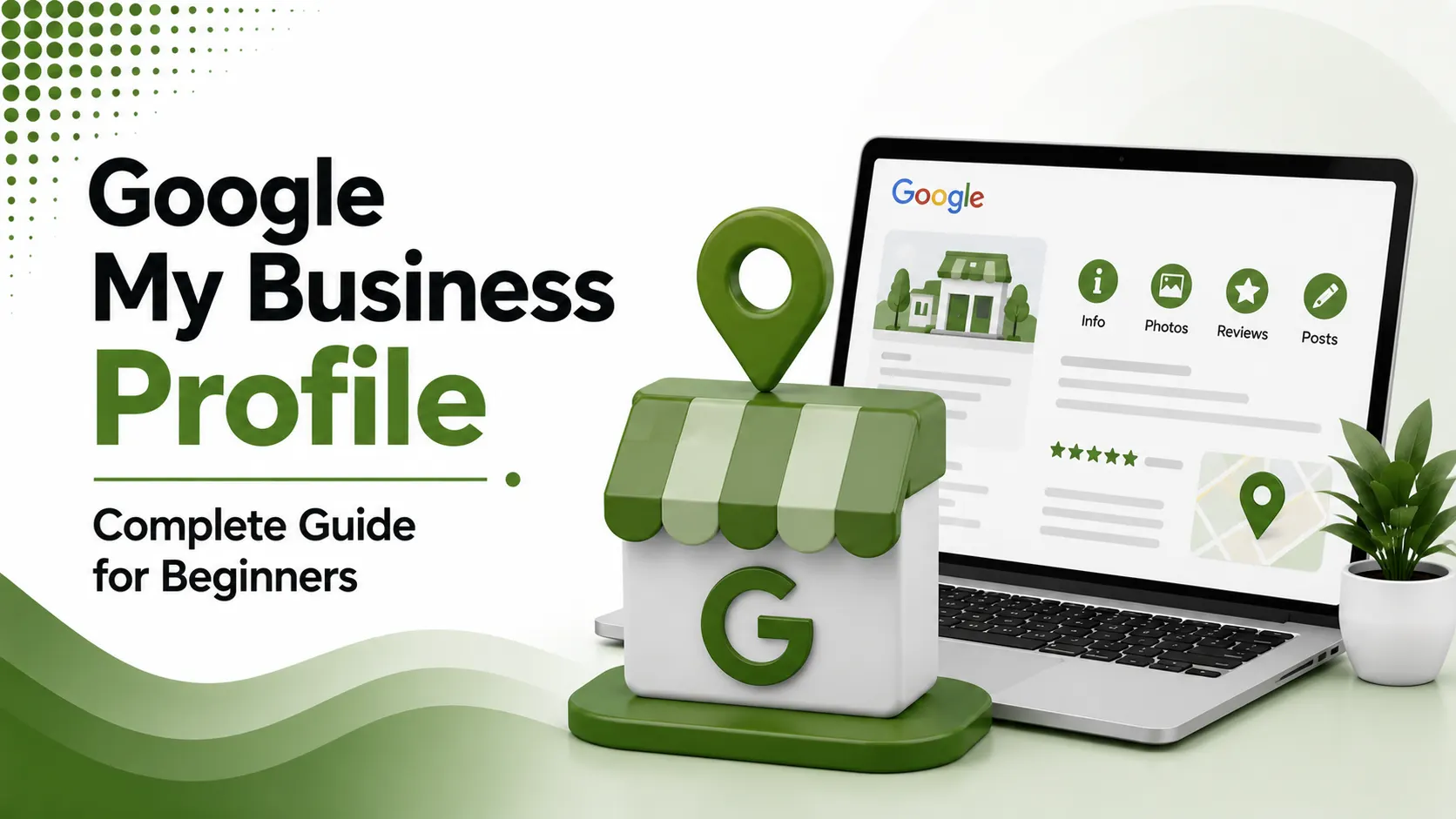
A Google My Business Profile is a free listing that controls how your business appears in Google Search, Google Maps, and the local map pack, showing your hours, location, reviews, photos, and posts to anyone searching for a business like yours nearby.
You may still hear it called Google My Business. Google renamed it to Google Business Profile in late 2021. The tool is the same; most management now happens directly inside Google Search and Maps rather than a separate app.
more location visits for complete profiles compared to incomplete ones
of local searches trigger a map pack, where profile details decide the click
the entire tool costs nothing to claim, verify, and maintain
What a Google My Business Profile Looks Like to Customers
A simplified mockup of how a complete profile appears in the local map pack
Setting Up Your Profile: Step by Step
Go to business.google.com
According to GBPcentral's complete Google Business Profile management guide, sign in with a Google account you or your business controls long-term, not a temporary employee's personal account.
Search for Your Business
Google often auto-generates listings from public data. If one already exists, claim it. If not, create a new profile from scratch.
Complete Verification
Google confirms you actually represent the business before granting full management access, using one of several available verification methods.
Fill Out Every Field
Category, hours, description, attributes, and photos. An incomplete profile actively underperforms a complete one in both ranking and conversion.
Watch: A Complete Beginner's Setup Walkthrough
Video: "Google Business Profile Set Up: Beginner Tutorial" by Darrel Wilson — credit to the original creator, via YouTube
Choosing a Verification Method
According to SEOLEVELUP's 2026 Google Business Profile optimization checklist, verification proves you have authority to manage the listing, and Google offers several methods depending on business type and region.
| Method | Typical Timeline |
|---|---|
| Postcard by mail | Most common; codes typically arrive within 14 days |
| Phone or email | Fastest, when offered; usually near-instant |
| Video verification | Increasingly the default for new listings in 2026 |
| Instant (via Search Console) | Immediate, if your business website is already verified there |
The Highest-Leverage Optimization Move
According to DigitalApplied's complete 2026 feature guide, choosing the narrowest accurate primary category is the single biggest ranking lever available, sometimes changing Maps visibility more than any other edit.
Reviews, Posts, and Staying Active
According to SEOLEVELUP's checklist referenced above, review velocity matters more than total volume. Four recent reviews this month outweigh fifty old ones sitting untouched from years ago.
According to Jaime Biller's complete guide to Google Business Profile on Medium, weekly posts, fresh photos, and prompt review responses all signal to Google that a business is genuinely active, not abandoned.
Common Setup Mistakes to Avoid
According to BizIQ's complete guide for small businesses, rushing through verification often causes headaches later. Following each step carefully the first time avoids most of the common problems businesses run into.
A frequent issue involves finding that a listing is already managed by someone else, often a former employee, agency, or previous owner. Google provides a standard ownership request process for exactly this situation, rather than leaving businesses permanently locked out.
Keeping Your Details Consistent Everywhere
According to Local Impact's guide referenced above, matching your business name, address, and phone number exactly across your website and every online directory tells Google your business is real and stable.
Inconsistent details, a slightly different phone number here, an abbreviated street address there, can quietly undermine the trust signals a complete, accurate profile is meant to build in the first place.
Reading Your Performance Data
According to Stackmatix's step-by-step optimization guide for 2026, most businesses see measurable changes within four to eight weeks of completing a full optimization pass, though review generation tends to show impact fastest.
A burst of new, genuine positive reviews can shift local pack positioning within two to three weeks, while photo and post activity compounds more gradually but builds sustained momentum over the following months.
Profile Completeness Score
Score your current Google Business Profile against the elements that matter most.
Profile Completeness Score
Select the option that matches your current profile for each factor
Service-Area Businesses Without a Storefront
According to Local Impact's full guide to Google Business Profile, plumbers, cleaners, and contractors who travel to customers can choose the service-area option during setup, listing coverage areas without pinning a physical address.
Building a Habit Around Ongoing Maintenance
According to Ueni's complete guide referenced above, treating this as a one-time setup task rather than an ongoing habit is where most small businesses lose the momentum they initially built.
Setting aside a short, recurring block of time each week, checking for new reviews, uploading a photo, publishing an update, keeps the profile active without requiring a major time investment on any single day.
This small, consistent habit compounds over months. A business that shows up as clearly active earns more trust from both searchers and Google's own ranking systems than one that was optimized once and never touched again.
FAQs on Google Business Profile
What We Learn Today
Google My Business was renamed Google Business Profile in 2021
Complete profiles get 70% more location visits than incomplete ones
Verification proves ownership before full management access unlocks
Primary category is the single biggest ranking lever available
Review velocity beats total volume; 4 recent beats 50 old ones
Service-area businesses can list coverage without a public address