Meta Ads in AWS Quick: AI Connector Runs Campaign Tasks
Meta ads in AWS Quick: a new AI connector lets advertisers plan, analyze and edit Meta campaigns in plain language, with approval before any change.

In this article
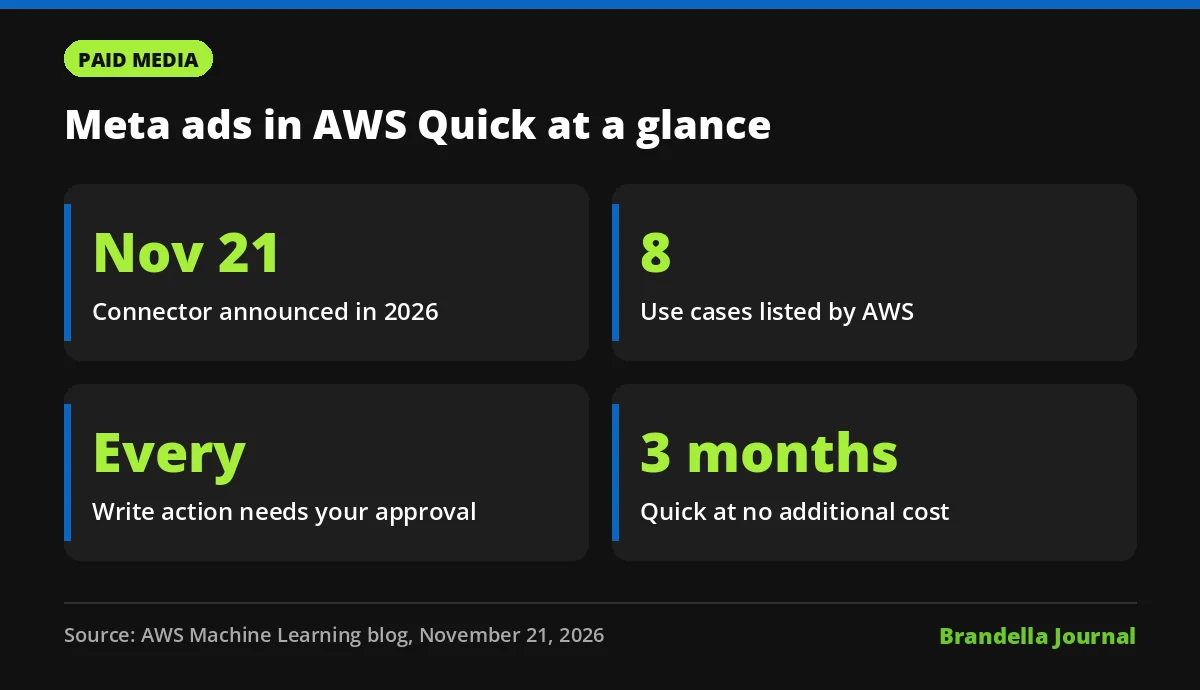
You can now manage Meta ads in AWS Quick. Amazon Web Services announced on November 21, 2026 that its work assistant, AWS Quick, has a Meta ads AI connector that gives access to Meta’s ads Model Context Protocol (MCP) server operations. Advertisers can create, manage and analyze Meta campaigns by typing requests in plain language.
The post was written by two AWS staff who support Meta, Chris Geiger and Mark Botto. It lists tasks such as pulling performance insights, creating product catalogs and editing or creating campaigns. Quick can also combine Meta ad data with first and third party data to build dashboards, documents, slide decks and automated workflows.
Media buyers and in-house teams who already live in spreadsheets and slide decks are the obvious users. With an ad account open to an AI assistant through MCP, the questions to settle are access, approvals and who checks the output.
What the Meta ads connector in AWS Quick can do
AWS lists eight use cases. Each comes with an example prompt, and several of them tell Quick not to change anything yet.
| Use case | What Quick does, per AWS |
|---|---|
| Plan and launch campaigns | Drafts campaign, ad set and ad settings from a brief, flags missing budget or audience decisions, checks naming, UTM tags and special ad category |
| Analyze and share performance | Tracks spend, CTR and ROAS at each level, compares against the media plan, builds a weekly deck |
| Refresh creative and audiences | Flags creative fatigue (frequency up, CTR down), creates Custom Audiences after approval, drafts creative briefs |
| Measure lift | Plans a conversion lift study, checks eligibility, creates it after approval |
| Product catalogs | Joins catalog eligibility with stock, margin and image status, explains rejections, updates product sets |
| Align spend with stock and profit | Shows spend next to stock and margin, models budget shifts, queues changes for approval |
| Diagnose pixel and delivery issues | Triages pixel and Conversions API problems such as event volume drops and low Event Match Quality |
| Govern spend | Routes budget increases above a threshold to finance, reconciles spend with finance records |
The demo video in the post runs two prompts. One builds an eight slide launch plan deck from past results. The other builds a dashboard comparing spend, leads and cost per lead for two ad sets, with suggested next tests.
How approvals work
AWS says the connector can change ad accounts. Before Quick creates a campaign, changes a budget or runs any other write action, it asks for permission for that specific action.
Several of the listed use cases repeat the point: Custom Audiences, lift studies and budget moves are created or applied only after someone approves them.
How to set it up
Based on the post and its demo video, setup takes a few steps:
- In AWS Quick, go to Customize, then Connectors.
- Install the Meta ads connector.
- Sign in with Facebook.
- Choose which Pages, Businesses and Instagram accounts Quick can access.
- Ask your first question.
The listed prerequisites are access to Quick and a Meta business account with access to the ad accounts you want to connect. AWS offers “Quick at no additional cost for 3 months” and says you can “invite up to 10 teammates at no cost for your first 3 months.” The post does not give pricing after the trial or regional availability.
What Meta advertisers should do now
These are Brandella’s recommendations, not AWS or Meta guidance.
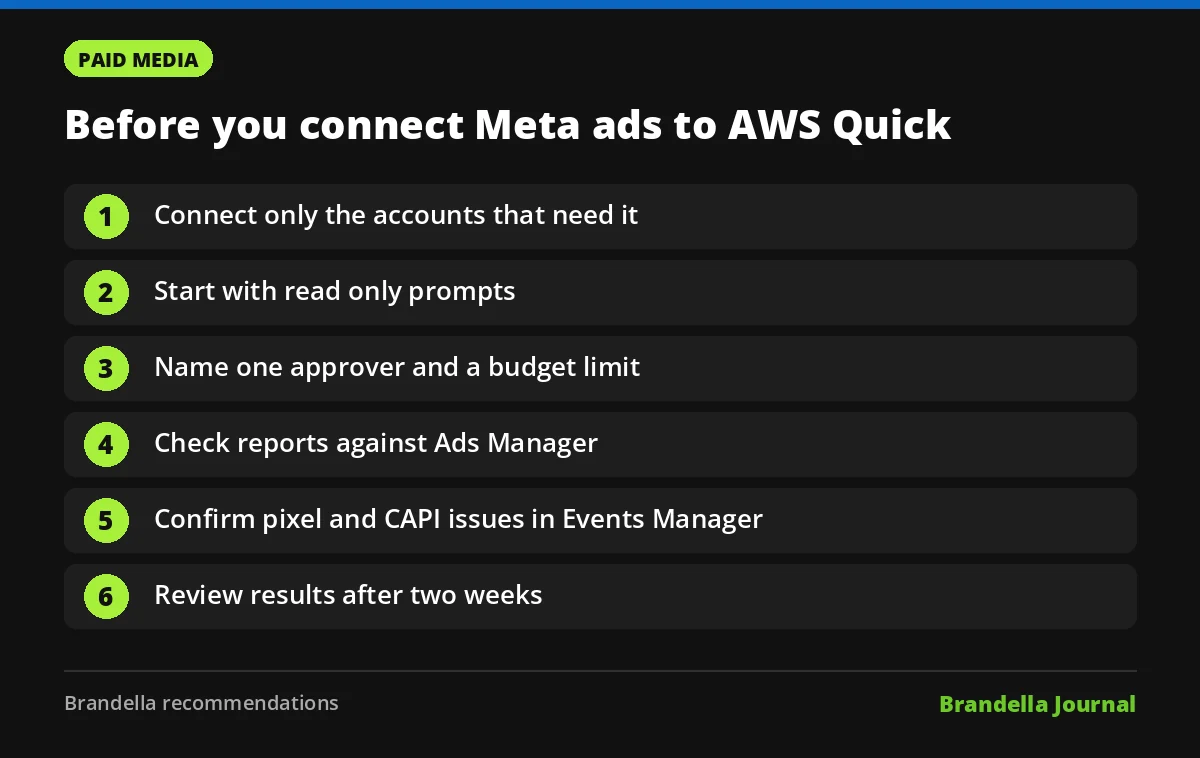
- Connect only the Pages, Businesses and Instagram accounts that need it. The sign-in screen lets you choose, so do not grant everything by default.
- Start with read only prompts: performance summaries, weekly decks and diagnostics. Add “do not change anything” to the prompt, as AWS does in its own examples.
- Name one person who approves write actions, and agree on a budget limit above which finance or a manager signs off.
- Check the first few reports against Ads Manager. AI summaries can be wrong, and the numbers you send to a client have to match the platform.
- Keep your own tracking checks. If Quick flags a pixel or Conversions API problem, confirm it in Events Manager before you ask developers to change anything. Meta’s Conversions API setup checks explain where to look and suggest aiming for an Event Match Quality score of 6.0 or higher where possible. Our guide to Meta’s one-click Conversions API setup covers the basics.
- Review after two weeks. Did it save time on reporting? Did any change go out that you would not have made by hand?
Where this fits in Meta advertising
The AWS post does not link Meta’s own documentation, but Meta has had an ads MCP server since its developer launch on July 16, 2026. Meta’s Ads MCP Server overview says it works “with any MCP-compatible AI agent” and covers reporting, ad creation, catalogs, signals and datasets, A/B tests and conversion lift studies. The launch post also describes agent rules that can, for example, give read only access while blocking budget or creative changes. If MCP is new to you, our beginner guide to the Model Context Protocol explains how assistants connect to tools like an ad account.
Meta buyers are also dealing with smaller changes inside Ads Manager, such as the 6-second ThruPlay option, and whoever approves the assistant’s drafts needs to know what each option does.
FAQ about Meta ads in AWS Quick
Can AWS Quick change my Meta campaigns on its own?
AWS says Quick asks for permission before any write action, such as creating a campaign or changing a budget.
What do I need to connect Meta ads to AWS Quick?
Access to Quick and a Meta business account that has access to the ad accounts you want to connect. You sign in with Facebook and pick the assets Quick can see.
Is the Meta ads connector free?
AWS offers Quick at no additional cost for 3 months, with up to 10 teammates free during that time. Pricing after the trial is not stated in the post.
Can it build reports and slide decks?
Yes. AWS says Quick can combine Meta ad data with other data to build dashboards, documents and slide decks, and its demo builds an eight slide launch plan deck.