YouTube Studio Clips Tool Turns Podcast Episodes Into Shorts
The YouTube Studio clips tool can now turn podcast segments into vertical Shorts with captions and AI suggestions. How it works and how brands should use it.

In this article
The YouTube Studio clips tool can now create Shorts, not just standard video clips, from your existing long videos. YouTube announced it on November 12, 2026 in a TeamYouTube post titled “Podcast Video Clips in YouTube Studio,” as reported by PPC Land, and the official Video clips and Shorts in YouTube Studio help page now explains each step.
For brands and creators who publish video podcasts, webinars or interviews, this removes a separate editing step. You pick a moment from the transcript, YouTube reframes it as vertical video, adds captions, and links the Short back to the full episode.
YouTube’s help page also addresses a common worry directly: “You won’t be penalized for using your content in a video clip or Short.”
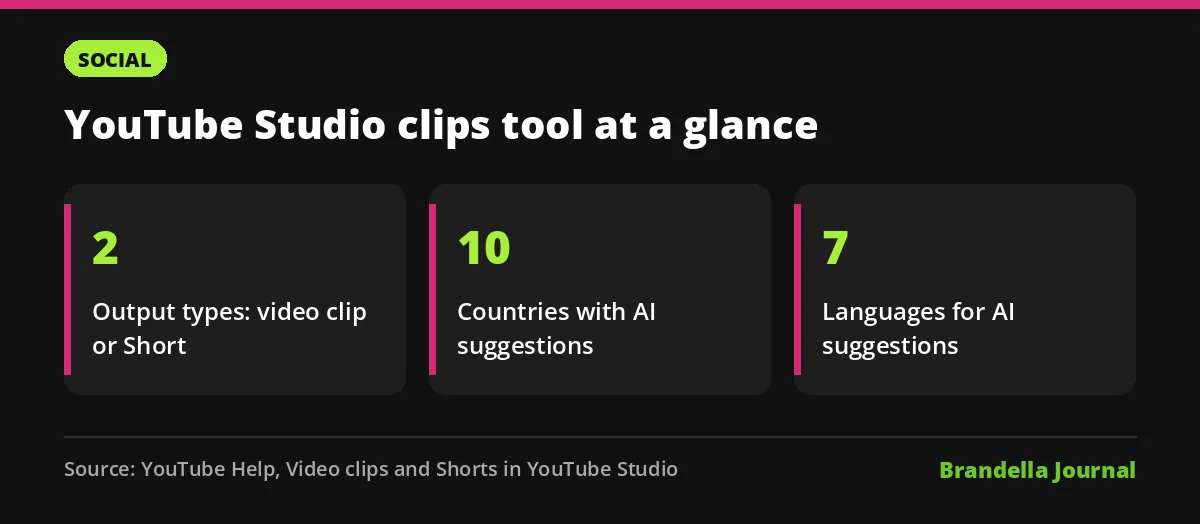
How the YouTube Studio clips tool works
According to the help page, the flow starts in Content > Videos. You open an existing video, choose Clips and Shorts in the left menu, then click Create clip or Short and pick either Short or Video clip.
You can choose the segment in two ways. The manual route lets you select text in the transcript and confirm it, or enter timestamps in the timeline editor. The AI route offers suggested moments in a side panel and an AI generated outline of the episode.
For a Short, you click Preview Short, then Create Draft, and finish with the normal upload dialog. PPC Land reports that a 16:9 episode is reframed as vertical video, with a blurred crop of the footage filling the space above and below some scenes.
Captions, related video links and AI suggestions
Three details make the tool more useful than a basic trimmer:
| Feature | What the help page says |
|---|---|
| Captions | Added automatically to Shorts where available, based on the transcript. You can change colour, font, style and position, or turn them off |
| Related video | The source video is added automatically as the Short’s related video, unless the Short is private, unlisted or made for kids |
| AI suggestions | Available in Brazil, Canada, France, Germany, India, Mexico, South Korea, Spain, the UK and the US |
| Languages for AI | English, French, German, Hindi, Korean, Portuguese and Spanish |
The automatic related video link is the part marketers should value most. It gives every Short a one tap route to the full episode, which is exactly where watch time and subscriptions tend to grow.
For standard video clips, you can also add an eligible video as an intro or outro. The help page recommends adding a link to the source video in the clip’s description.
Where clips and Shorts should live
Finished video clips appear under Content > Videos, and Shorts under Content > Shorts. You can also see everything made from one episode in that video’s Clips and Shorts tab.
PPC Land reports that YouTube recommends keeping clips and Shorts out of your podcast playlist, which should hold only full episodes. That matches YouTube’s own guide to creating a podcast in YouTube Studio, which says: “Only add podcast features to a playlist if it contains full podcast episodes.”
The help page does not state minimum or maximum clip lengths. YouTube also says it is working to expand the AI features to more creators, without giving a date.
Why this matters for brand video strategy
Many brands record long conversations but publish only the full episode. Short vertical cuts are often the way new viewers find a show, and the extra editing time is usually what stops teams from making them.
Doing it inside YouTube Studio also means captions come from YouTube’s own transcript and the Short is tied to its source. That is tidier than exporting files to an outside editor and uploading them separately. For more ideas on repurposing, see our list of creative video marketing ideas, and fit Shorts into a wider plan with our content marketing strategy guide.
If you are building a channel for income as well as reach, our guide to YouTube Partner Program updates covers the monetisation side.
What to do now
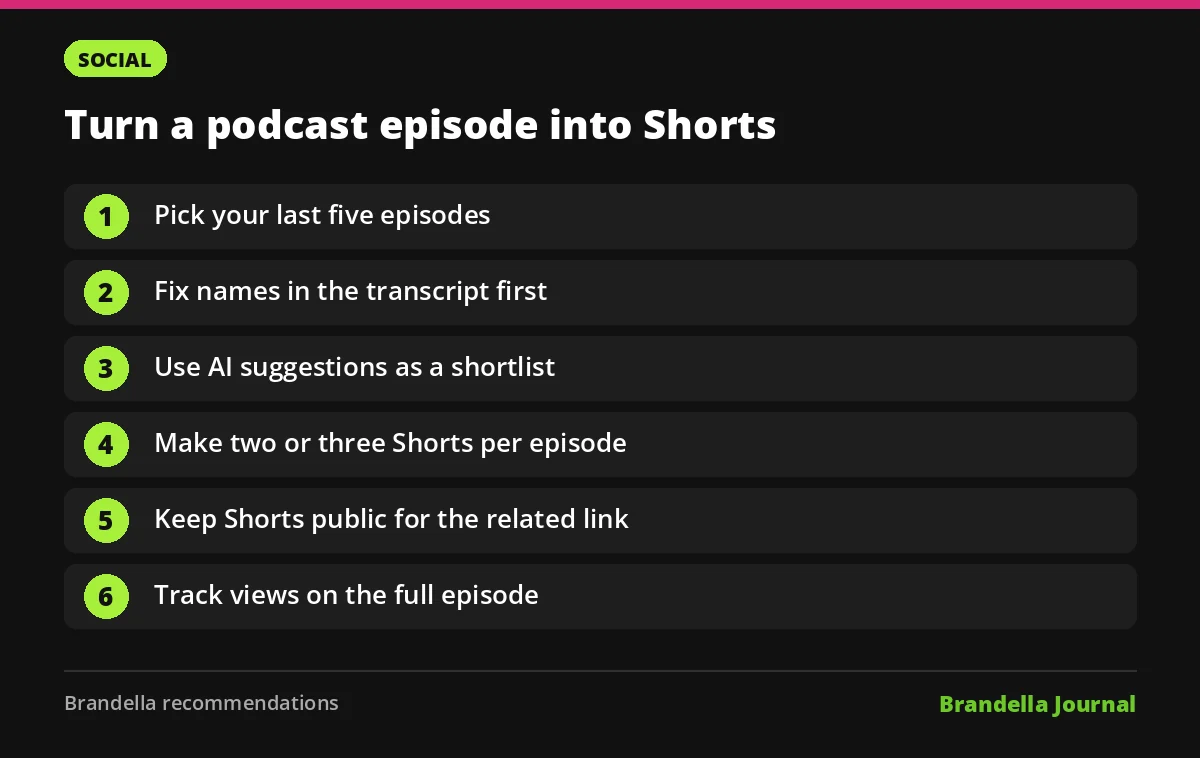
These are Brandella recommendations for using the tool well:
- Pick your last five episodes. Older episodes with steady views are the best source, because each Short sends viewers back to them.
- Check the transcript first. Fix names and brand terms in the captions before you clip, since Shorts captions are built from it.
- Use AI suggestions as a shortlist. Review each suggested moment and keep only ones that make sense without the rest of the episode.
- Make two or three Shorts per episode. Lead each with a clear claim or question in the first seconds.
- Keep Shorts public. Private, unlisted or made for kids Shorts lose the automatic related video link.
- Track the source video. Compare views on the full episode before and after you publish Shorts from it.
Keep your podcast playlist for full episodes only, and put Shorts in their own playlist if you want to group them.
What is still unclear
YouTube has not said when AI suggestions will reach more countries or languages. PPC Land reports the manual clips tool is available globally, so teams outside the 10 listed countries can still clip by transcript or timestamp.
Results will vary by channel. Treat the first month as a test, and judge the tool by whether it lifts full episode views, not only Shorts views.