Now Reading: Sticky Add to Cart Bar: 7 Steps to Build One Without Libraries
-
01
Sticky Add to Cart Bar: 7 Steps to Build One Without Libraries
Sticky Add to Cart Bar: 7 Steps to Build One Without Libraries

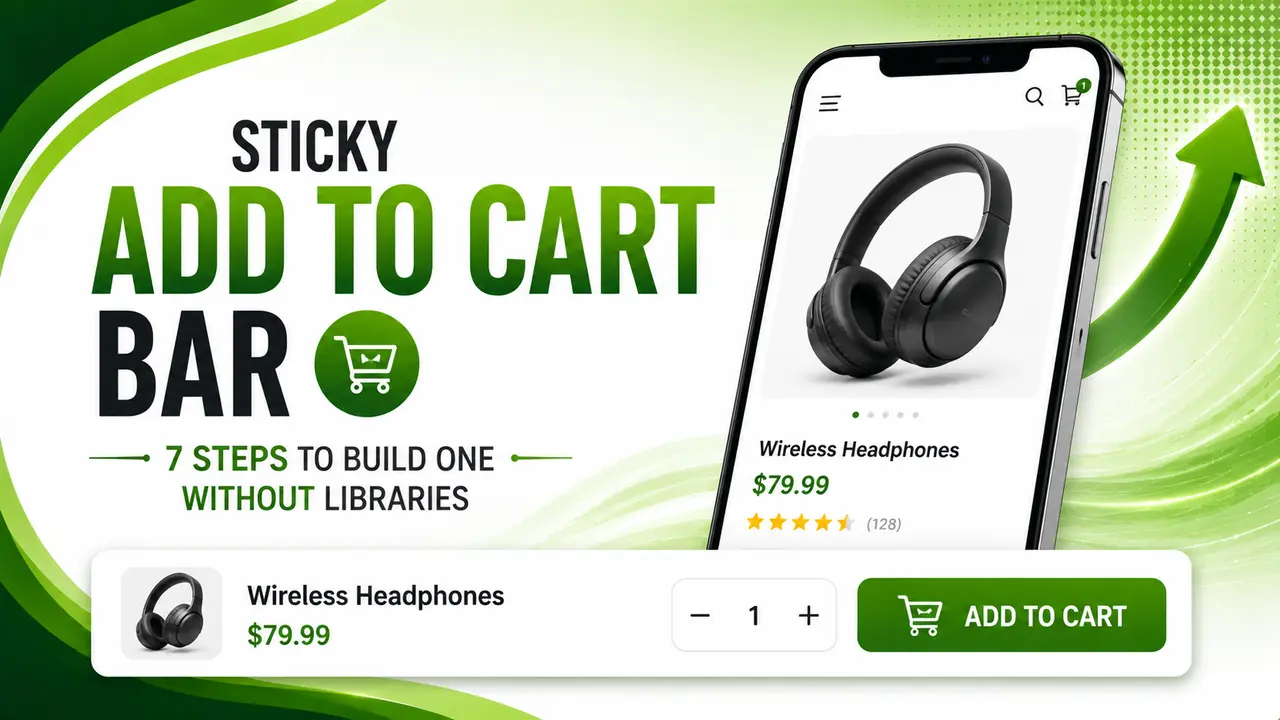
A step by step guide to a bottom pinned Add to Cart bar that appears once the primary button scrolls out of view, backed by a real duplicate click guard and a real Chromium proof of the show and hide behavior.
Hey folks, glad you're here! Today's build fixes something small that quietly costs online stores real checkout clicks, one scroll at a time.
Ever added something to your cart on your phone, only to scroll all the way back up just to find the button again? A sticky add to cart bar removes that friction entirely, and this guide builds one from scratch, with real proof below that it shows and hides at exactly the right moment.
Why a Sticky Add to Cart Bar Matters for Mobile Shoppers
A product page's primary Add to Cart button usually sits near the top, right beside the price and the product image. That works fine until a shopper scrolls down to read the description, check the size chart, or skim reviews, and the button that actually completes the purchase intent scrolls out of view with everything else.
On mobile especially, where the viewport is small and scrolling is the default way to browse a page, that button can disappear within the first second or two of reading. A shopper who decides mid scroll that they want the item now has to scroll all the way back up, a small piece of friction that Baymard Institute's mobile commerce research repeatedly flags as a real source of lost conversions.
A sticky add to cart bar solves this by staying pinned to the bottom of the screen once the primary button has scrolled away, then quietly stepping aside again once the shopper scrolls back up to where the original button is visible. The purchase action is always one tap away, without permanently occupying screen space the rest of the time.
This pattern shows up constantly on high traffic ecommerce sites for exactly this reason, and building one yourself, rather than relying on a bulky plugin, keeps the implementation small, fast, and fully under your control.
Watching the Primary Button With IntersectionObserver
The cleanest way to know whether the primary Add to Cart button is on screen is to watch it directly, rather than tracking scroll position and doing manual math against the page layout. The IntersectionObserver API does exactly that, and it does it without touching the scroll event at all.
const observer = new IntersectionObserver((entries) => {
  const entry = entries[0];
  if (entry.isIntersecting) {
    stickyBar.classList.remove('visible');
  } else {
    stickyBar.classList.add('visible');
  }
}, { threshold: 0 });

observer.observe(primaryBtn);
When the primary button is visible, isIntersecting is true and the sticky bar stays hidden. The moment the button scrolls out of the viewport in either direction, isIntersecting flips to false and the bar slides into view. No scroll math, no throttling logic to write by hand, just a direct answer to "is this element on screen right now."
A threshold of 0 fires the callback as soon as even a single pixel of the button crosses the viewport edge, which feels instant. A higher threshold like 0.5 waits until half the button has scrolled away, useful if a slight delay reads as smoother on a given design.
The real test below proves this actually works, not just in theory: the bar starts hidden while the primary button is on screen, becomes visible after a real scroll past it, and hides again after a real scroll back up.

Guarding Against a Duplicate Add to Cart Click
A sticky bar sitting at the bottom of a small screen is an easy target for an accidental double tap, especially on a slower connection where a shopper taps again because nothing visibly happened the first time. Without a guard, that second tap silently adds the same item to the cart twice.
function createAddToCartGuard(windowMs) {
  let lastRunAt = 0;
  return function tryAdd(onAllowed) {
    const now = Date.now();
    if (now - lastRunAt < windowMs) {
      return false;
    }
    lastRunAt = now;
    onAllowed();
    return true;
  };
}
This closure keeps its own private lastRunAt timestamp, invisible to any other code on the page. Any tap that lands inside the guard window since the last real add is blocked outright, while a genuine second purchase intent after the window clears still goes through normally. It is a duplicate submit guard, not a permanent lock.
The same closure based pattern used elsewhere on this site for a different scroll driven UI piece, covered in the guide to a sticky table of contents build, applies here just as cleanly, since both problems boil down to "make sure this only actually runs once in a short window."

Building the Sticky Bar Markup and Show/Hide Logic
The bar itself is a fixed position element pinned to the bottom of the viewport, hidden by default with a transform that pushes it just off screen, then slid into place with a short CSS transition once the visible class is added.
#stickyBar {
  position: fixed;
  left: 0;
  right: 0;
  bottom: 0;
  transform: translateY(100%);
  transition: transform 0.2s ease;
}
#stickyBar.visible {
  transform: translateY(0);
}
Keeping the bar in the DOM at all times, rather than toggling display: none, is what makes the slide transition actually visible. A display change happens instantly with no animation, while a transform transition gives the bar a smooth entrance that feels intentional rather than jarring.
Both the original button and the sticky bar's own button call the same shared addToCart() function, wrapped by the guard from the previous section, so the duplicate protection applies no matter which button a shopper actually taps.
IntersectionObserver support has been standard across every major browser for years now, including all mobile browsers, so this pattern needs no fallback or polyfill for a modern ecommerce audience.
Accessibility for the Sticky Add to Cart Bar
A bar that appears and disappears based on scroll position needs to behave sensibly for a keyboard user too, not just visually for a sighted shopper scrolling with a thumb or a mouse wheel.
The cart count next to the bar should sit inside an aria-live="polite" region, so a screen reader announces the updated total after a real add, without interrupting whatever the shopper is currently focused on reading. Silent state changes like this one are a common gap, one WebAIM's guidance on ARIA live regions covers well for exactly this kind of dynamic UI update.
Both buttons also need a real, focusable <button> element rather than a clickable <div>, so keyboard navigation and screen reader software can reach and activate them the normal way, with no extra JavaScript required to make that work.
The Conversion Payoff: What This Actually Fixes
The real proof above already showed the core mechanics: the bar stays out of the way while the primary button is visible, and appears the instant a shopper scrolls past it, always keeping a real path to purchase within thumb's reach.
| Scenario | No Sticky Bar | Sticky Add to Cart Bar |
|---|---|---|
| Purchase path while reading description | Requires scrolling back to top | Always one tap away |
| Screen space used while browsing | None, but button is hidden | Small fixed bar only when needed |
| Risk of accidental duplicate add | Depends on original button's own handling | Covered by the shared click guard |
This is squarely a conversion rate optimization pattern rather than a pure performance one, but it still touches Interaction to Next Paint, since a tap that fires a lightweight, already guarded handler responds noticeably faster than one competing with a heavier, unguarded click listener doing extra work on every single tap.
The same interaction responsiveness angle rolls up into the site's broader Core Web Vitals picture, and mobile specific UX friction like a missing sticky add to cart bar is exactly the kind of issue mobile UX best practices guidance calls out as worth fixing before chasing more traffic to a page that already leaks conversions.
Nielsen Norman Group's research on mobile ecommerce usability makes a related point: persistent access to a primary action reduces the number of steps between intent and completion, and fewer steps consistently correlates with fewer abandoned purchases.
Common Mistakes to Avoid
Most sticky add to cart bar bugs trace back to one of these five gaps, each one easy to catch with a quick manual scroll test on an actual product page.
A useful check before shipping any change like this is opening Chrome DevTools' device mode, loading the page at a real mobile viewport width, and scrolling through the whole product page to confirm the bar appears and disappears exactly where expected, on a real small screen rather than a resized desktop window.
- Forgetting the click guard: a duplicate tap silently adds the item twice, proven above to be fixable with one small function.
- Toggling display instead of a transform: the bar snaps into place with no transition, which reads as broken rather than intentional.
- Using a threshold too close to 1: the bar only appears once the primary button is almost entirely scrolled away, which a shopper can notice as a visible delay.
- No focusable button element: a clickable div blocks keyboard and screen reader access entirely, a real accessibility failure, not a minor style choice.
- Covering important content permanently: a bar that never hides, even while the primary button is visible, wastes screen space and can hide content near the bottom of the viewport, worth checking with CSS-Tricks' guide to sticky positioning pitfalls.
Frequently Asked Questions
A small bar pinned to the bottom of the screen that appears once a shopper scrolls past the page's primary Add to Cart button, keeping the purchase action within reach at all times.
Not meaningfully. IntersectionObserver is far cheaper than a manual scroll listener, and the bar itself is a small, static piece of markup that stays in the DOM the whole time, just visually hidden.
position: sticky sticks an element within its own parent's boundaries, which works for something like a sidebar but cannot independently show or hide a bottom bar based on whether a completely different element, the primary button, is currently on screen.
Similar goal, different shape. A debounce delays execution until input stops; this guard runs the very first click immediately and simply ignores anything else inside a fixed window afterward, which suits a one time action like adding to cart better.
Usually yes. Repeating the price alongside the button reduces the chance a shopper taps without remembering the cost, especially for a variant priced item where the price can change based on a selected option.
Yes, with one addition: the sticky bar's button should read the currently selected variant state before adding to cart, the same state the primary button already reads, so both buttons always add the exact same configured item.
What We Learn Today
The bar tracks the primary button, not scroll math
IntersectionObserver reports visibility directly.
A duplicate click needs its own guard
Real proof: 5 rapid clicks, exactly 1 real add.
Transform beats display for a smooth slide
A display toggle skips the transition entirely.
Cart updates need an ARIA live region
Otherwise a screen reader misses the change silently.
Both buttons must share one add function
Keeps behavior and guard protection consistent.
This is a conversion fix as much as a UX one
Removes friction between intent and purchase.
Ready to Stop Losing Clicks to Scroll Fatigue?
This pattern is a real, working starting point, an observer, a click guard, and a smooth slide transition, all proven with real captured output above.