

- Home
- SEODiscover the latest updates from across the United States, including politics, culture, economy, and trending stories. Stay informed on the key events shaping the nation and the topics everyone’s talking about.
- Technical SEOLearn technical SEO concepts including crawling, indexing, XML sitemaps, robots.txt, canonical tags, site architecture, and website performance.
- Local SEOOptimize your business for local seo with Google Business Profile, local citations, reviews, maps, and location-based SEO.
- Mobile SEOImprove your website’s mobile seo performance with responsive design, mobile-first indexing, usability, and page speed optimization.
- On-Page SEOExplore on-page seo optimization techniques such as title tags, meta descriptions, headings, URLs, internal linking, and content optimization.
- Off-Page SEODiscover off-page SEO strategies such as backlinks, digital PR, brand mentions, outreach, and authority building.
- SEO ToolsExplore the best SEO tools for keyword research, technical audits, backlink analysis, rank tracking, and website optimization.
- Core Web VitalsLearn how to improve Core Web Vitals including LCP, INP, CLS, page speed, and overall user experience for better rankings.
- Keyword ResearchLearn how to find profitable keywords, analyze search intent, evaluate competition, and build effective keyword strategies.
- Link BuildingMaster ethical link building techniques, backlink analysis, outreach methods, guest posting, and authority growth strategies.
- Google Search ConsoleLearn how to use Google Search Console to monitor indexing, fix errors, analyze search performance, and improve SEO.
- SEO BasicsLearn the fundamentals of search engine optimization (SEO Basics), including how search engines work, SEO terminology, and beginner-friendly best practices.
- Paid Media
- Display AdvertisingLearn display advertising strategies, banner ads, audience targeting, remarketing, Google Display campaigns, and optimization techniques.
- Google AdsLearn Google Ads strategies, campaign setup, bidding, keywords, Performance Max, Search Ads, and optimization techniques.
- LinkedIn AdsLearn LinkedIn Ads strategies for B2B marketing, lead generation, audience targeting, campaign optimization, and paid social advertising.
- Meta AdsLearn Meta Ads strategies for Facebook and Instagram, including campaign setup, targeting, retargeting, and performance optimization.
- Paid Media AnalyticsLearn paid media analytics, including CPC, CTR, CPA, ROAS, conversion tracking, attribution, reporting, and campaign performance analysis.
- PPC StrategyLearn effective PPC strategies, campaign planning, bidding, keyword targeting, landing pages, conversion optimization, and more.
- ContentTransform your living spaces with inspiration, tips, and trends in interior design. From minimalist decor to bold statements, find ideas for every style and budget.
- Social
- Digital MarketingExplore stories and advice on living your best life. From personal growth to entertainment, dive into the latest in lifestyle trends and inspiration.
- Artificial IntelligenceStay informed about health and wellness with expert advice, fitness tips, and the latest medical breakthroughs. Your guide to a healthier and happier life.
- DevelopmentYou will find development related educational articles
- GTMLearn Google Tag Manager (GTM) with practical guides for tags, triggers, variables, tracking, conversions, and website analytics implementation.
- HTMLLearn HTML with simple tutorials, examples, tags, elements, attributes, and best practices for building modern web pages.
- HTML CSSLearn HTML CSS together with practical tutorials, examples, layouts, styling techniques, responsive design, and modern web development practices.
- HTML JSLearn HTML JS – JavaScript with practical tutorials and examples for adding interactivity, dynamic content, events, and functionality to web pages.
- JavaScriptExplore JavaScript tutorials, examples, concepts, and practical techniques for creating interactive and dynamic websites and web applications.
- PHPLearn PHP programming with practical tutorials, examples, functions, syntax, and web development techniques for beginners and developers.
- PythonLearn Python programming with practical tutorials, examples, syntax, functions, automation techniques, and useful programming concepts.
- Home
- SEODiscover the latest updates from across the United States, including politics, culture, economy, and trending stories. Stay informed on the key events shaping the nation and the topics everyone’s talking about.
- Technical SEOLearn technical SEO concepts including crawling, indexing, XML sitemaps, robots.txt, canonical tags, site architecture, and website performance.
- Local SEOOptimize your business for local seo with Google Business Profile, local citations, reviews, maps, and location-based SEO.
- Mobile SEOImprove your website’s mobile seo performance with responsive design, mobile-first indexing, usability, and page speed optimization.
- On-Page SEOExplore on-page seo optimization techniques such as title tags, meta descriptions, headings, URLs, internal linking, and content optimization.
- Off-Page SEODiscover off-page SEO strategies such as backlinks, digital PR, brand mentions, outreach, and authority building.
- SEO ToolsExplore the best SEO tools for keyword research, technical audits, backlink analysis, rank tracking, and website optimization.
- Core Web VitalsLearn how to improve Core Web Vitals including LCP, INP, CLS, page speed, and overall user experience for better rankings.
- Keyword ResearchLearn how to find profitable keywords, analyze search intent, evaluate competition, and build effective keyword strategies.
- Link BuildingMaster ethical link building techniques, backlink analysis, outreach methods, guest posting, and authority growth strategies.
- Google Search ConsoleLearn how to use Google Search Console to monitor indexing, fix errors, analyze search performance, and improve SEO.
- SEO BasicsLearn the fundamentals of search engine optimization (SEO Basics), including how search engines work, SEO terminology, and beginner-friendly best practices.
- Paid Media
- Display AdvertisingLearn display advertising strategies, banner ads, audience targeting, remarketing, Google Display campaigns, and optimization techniques.
- Google AdsLearn Google Ads strategies, campaign setup, bidding, keywords, Performance Max, Search Ads, and optimization techniques.
- LinkedIn AdsLearn LinkedIn Ads strategies for B2B marketing, lead generation, audience targeting, campaign optimization, and paid social advertising.
- Meta AdsLearn Meta Ads strategies for Facebook and Instagram, including campaign setup, targeting, retargeting, and performance optimization.
- Paid Media AnalyticsLearn paid media analytics, including CPC, CTR, CPA, ROAS, conversion tracking, attribution, reporting, and campaign performance analysis.
- PPC StrategyLearn effective PPC strategies, campaign planning, bidding, keyword targeting, landing pages, conversion optimization, and more.
- ContentTransform your living spaces with inspiration, tips, and trends in interior design. From minimalist decor to bold statements, find ideas for every style and budget.
- Social
- Digital MarketingExplore stories and advice on living your best life. From personal growth to entertainment, dive into the latest in lifestyle trends and inspiration.
- Artificial IntelligenceStay informed about health and wellness with expert advice, fitness tips, and the latest medical breakthroughs. Your guide to a healthier and happier life.
- DevelopmentYou will find development related educational articles
- GTMLearn Google Tag Manager (GTM) with practical guides for tags, triggers, variables, tracking, conversions, and website analytics implementation.
- HTMLLearn HTML with simple tutorials, examples, tags, elements, attributes, and best practices for building modern web pages.
- HTML CSSLearn HTML CSS together with practical tutorials, examples, layouts, styling techniques, responsive design, and modern web development practices.
- HTML JSLearn HTML JS – JavaScript with practical tutorials and examples for adding interactivity, dynamic content, events, and functionality to web pages.
- JavaScriptExplore JavaScript tutorials, examples, concepts, and practical techniques for creating interactive and dynamic websites and web applications.
- PHPLearn PHP programming with practical tutorials, examples, functions, syntax, and web development techniques for beginners and developers.
- PythonLearn Python programming with practical tutorials, examples, syntax, functions, automation techniques, and useful programming concepts.
Now Reading: How to Detect and Filter Bot Traffic in GA4
-
01
How to Detect and Filter Bot Traffic in GA4
- Home//
- SEO//Discover the latest updates from across the United States, including politics, culture, economy, and trending stories. Stay informed on the key events shaping the nation and the topics everyone’s talking about.
- Technical SEO//Learn technical SEO concepts including crawling, indexing, XML sitemaps, robots.txt, canonical tags, site architecture, and website performance.
- Local SEO//Optimize your business for local seo with Google Business Profile, local citations, reviews, maps, and location-based SEO.
- Mobile SEO//Improve your website’s mobile seo performance with responsive design, mobile-first indexing, usability, and page speed optimization.
- On-Page SEO//Explore on-page seo optimization techniques such as title tags, meta descriptions, headings, URLs, internal linking, and content optimization.
- Off-Page SEO//Discover off-page SEO strategies such as backlinks, digital PR, brand mentions, outreach, and authority building.
- SEO Tools//Explore the best SEO tools for keyword research, technical audits, backlink analysis, rank tracking, and website optimization.
- Core Web Vitals//Learn how to improve Core Web Vitals including LCP, INP, CLS, page speed, and overall user experience for better rankings.
- Keyword Research//Learn how to find profitable keywords, analyze search intent, evaluate competition, and build effective keyword strategies.
- Link Building//Master ethical link building techniques, backlink analysis, outreach methods, guest posting, and authority growth strategies.
- Google Search Console//Learn how to use Google Search Console to monitor indexing, fix errors, analyze search performance, and improve SEO.
- SEO Basics//Learn the fundamentals of search engine optimization (SEO Basics), including how search engines work, SEO terminology, and beginner-friendly best practices.
- Paid Media//
- Display Advertising//Learn display advertising strategies, banner ads, audience targeting, remarketing, Google Display campaigns, and optimization techniques.
- Google Ads//Learn Google Ads strategies, campaign setup, bidding, keywords, Performance Max, Search Ads, and optimization techniques.
- LinkedIn Ads//Learn LinkedIn Ads strategies for B2B marketing, lead generation, audience targeting, campaign optimization, and paid social advertising.
- Meta Ads//Learn Meta Ads strategies for Facebook and Instagram, including campaign setup, targeting, retargeting, and performance optimization.
- Paid Media Analytics//Learn paid media analytics, including CPC, CTR, CPA, ROAS, conversion tracking, attribution, reporting, and campaign performance analysis.
- PPC Strategy//Learn effective PPC strategies, campaign planning, bidding, keyword targeting, landing pages, conversion optimization, and more.
- Content//Transform your living spaces with inspiration, tips, and trends in interior design. From minimalist decor to bold statements, find ideas for every style and budget.
- Social//
- Digital Marketing//Explore stories and advice on living your best life. From personal growth to entertainment, dive into the latest in lifestyle trends and inspiration.
- Artificial Intelligence//Stay informed about health and wellness with expert advice, fitness tips, and the latest medical breakthroughs. Your guide to a healthier and happier life.
- Development//You will find development related educational articles
- GTM//Learn Google Tag Manager (GTM) with practical guides for tags, triggers, variables, tracking, conversions, and website analytics implementation.
- HTML//Learn HTML with simple tutorials, examples, tags, elements, attributes, and best practices for building modern web pages.
- HTML CSS//Learn HTML CSS together with practical tutorials, examples, layouts, styling techniques, responsive design, and modern web development practices.
- HTML JS//Learn HTML JS – JavaScript with practical tutorials and examples for adding interactivity, dynamic content, events, and functionality to web pages.
- JavaScript//Explore JavaScript tutorials, examples, concepts, and practical techniques for creating interactive and dynamic websites and web applications.
- PHP//Learn PHP programming with practical tutorials, examples, functions, syntax, and web development techniques for beginners and developers.
- Python//Learn Python programming with practical tutorials, examples, syntax, functions, automation techniques, and useful programming concepts.
- Home
- SEO
- Technical SEO
- How to Detect and Filter Bot Traffic in GA4
How to Detect and Filter Bot Traffic in GA4

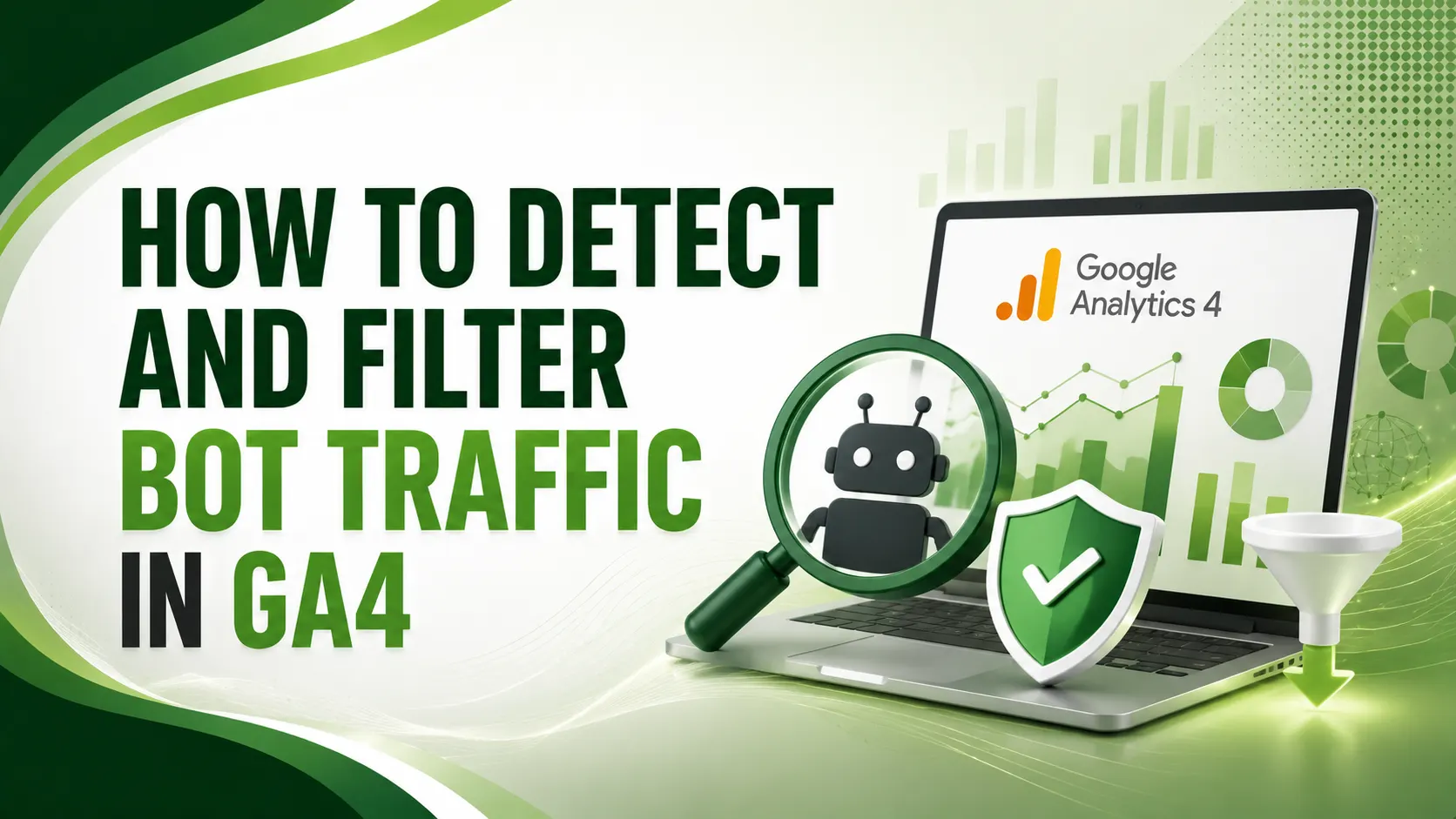
Bot traffic in GA4 can inflate sessions while your real conversion rate collapses underneath it. Here's how to detect it and filter it in four layers.
Table of Contents
ToggleBot traffic in GA4 is the reason your dashboard can say 30,000 visitors while Search Console says 30 real clicks a day. That gap isn't a glitch. It's automated, non-human traffic quietly inflating sessions while your actual conversion rate collapses underneath it.
GA4 does filter some bot traffic automatically. But that built-in filter only catches bots that identify themselves honestly, the well-behaved crawlers on Google's known list.
Headless browsers, scrapers, AI training crawlers, and click farms all pass straight through. Detecting and filtering bot traffic in GA4 the rest of the way is a manual job, and it happens in layers.
01What GA4's Built-In Bot Filter Actually Catches
Google's own documentation confirms known bot and spider traffic is automatically excluded, identified through a combination of Google's own research and the IAB/ABC International Spiders and Bots List. You cannot disable this, and you cannot see how much traffic it removed.
KISSmetrics' August 2026 guide is direct about the gap: this automatic list only catches bots that identify themselves honestly. Headless browsers, referral spam, internal QA traffic, and AI crawlers all pass straight through it.
02The Warning Signs of Bot Traffic in GA4
Mediology's 2026 guide lists the red flags worth watching for before you filter anything: sessions with zero engagement time, a high volume of one-page sessions, traffic spikes at unusual hours, suspicious referral domains, and unrealistic device or browser combinations.
Wellows' guide adds a practical validation step. Before acting on any suspicious pattern, confirm it holds across source/medium, landing pages, events, and conversions, not just one metric in isolation.
Enalitica's case study found a store's GA4 reporting 30,000 monthly visits while Google Search Console showed only about 30 real clicks a day. Roughly 1,000 genuine visits were hiding inside 30,000 reported ones, and the owner had been making real decisions based on the fake number.
03Layer 1: Internal Traffic and Developer Filters
KISSmetrics' guide, referenced above, lays out the four-layer approach worth building. Layer one is the easiest: turn on internal traffic filters for your own office, agency, and vendor IP ranges, so your own team's activity never pollutes the data.
Conversios' guide adds the developer traffic filter as a companion piece, excluding hits sent while debug mode is active during QA and testing sessions.
04Layer 2: Hostname and Unwanted Referral Filters
Priority Pixels' 2026 guide flags this as the layer most sites skip: add an Unwanted Referrals exclusion to catch referral-style and direct traffic spam, which the built-in bot filter completely misses since it isn't technically a "known bot."
Stape's guide notes a specific, currently active pattern worth checking your own referral list against: spam sources like news.grets.store and statis.seders.website, both commonly tied to fake Poland-geolocated sessions in 2026.
05Layer 3: Engagement-Based Segments in Explorations
ClickCease's guide points to GA4's Explorations tool as the most powerful native option for this layer. Build a segment that filters for zero-second engagement time, then compare it against your standard reports to see how much of your traffic disappears.
Specificity Inc.'s 2026 guide adds an advanced technique worth trying in Google Tag Manager: flag form submissions completing in under 1.8 seconds as an "impossible speed" event, since no real human fills out a form that fast.
| Layer | What It Catches | Where It Lives |
|---|---|---|
| Internal traffic filter | Your own team's IP-based activity | Admin → Data Settings → Data Filters |
| Hostname / unwanted referrals | Measurement Protocol spam, fake referral domains | Admin → Data Streams → Unwanted Referrals |
| Engagement segments | Zero-second sessions, one-page bot visits | Explorations, custom segment |
| Server-side / GTM detection | Sophisticated bots that run real browsers | Server container, before the tag fires |
06Layer 4: Server-Side Detection for the Rest
ClickFortify's guide is honest about what this layer is for: sophisticated bot traffic runs a real browser, executes JavaScript, and often rides residential IP addresses. It looks exactly like a person in GA4's standard reports.
e-dialog's guide walks through the mechanic: mark traffic using a "traffic_type" parameter in Google Tag Manager, either client-side or through a server container, then build a GA4 filter that only accepts hits carrying that flag.
ClickFortify's guide, referenced above, makes an important distinction: GA4 is a measurement tool. It can reveal symptoms like near-zero engagement time and click-to-session gaps, but it has no mechanism to actually stop a bot from clicking an ad or submitting a form. Blocking requires a WAF, Cloudflare, or a click-level protection layer sitting in front of GA4.
07Example: Flagging Bot Traffic in Google Tag Manager
A simplified example of the traffic_type approach used to flag suspicious sessions before they hit GA4's main reports.
function() {
  var formStartTime = window.formLoadTimestamp;
  var formSubmitTime = new Date().getTime();
  var elapsedSeconds = (formSubmitTime - formStartTime) / 1000;

  // Flag submissions faster than a human could realistically type
  if (elapsedSeconds < 1.8) {
    return 'suspected_bot';
  }
  return 'human';
}

// Push this value as "traffic_type" into the dataLayer
// Then build a GA4 Data Filter to exclude "suspected_bot" hits
08Quick Setup Checklist for Filtering Bot Traffic in GA4
Work through these in order, they build on each other.
Confirm the built-in bot exclusion is active, it is by default and cannot be turned off, but it's worth knowing its limits.
Add an internal traffic filter for your own office, agency, and vendor IP ranges.
Set up unwanted referral exclusions for known spam domains hitting your property.
Build a zero-engagement segment in Explorations to quantify how much bot noise remains.
Add server-side or GTM detection if sophisticated bot traffic still shows up after the first three layers.
09How Exposed Is Your GA4 Data?
Answer a few quick questions to check how much bot traffic in GA4 might be affecting your reports right now.
How Exposed Is Your GA4 Data?
Select the option that matches your property
10Common Questions
No. GA4 only auto-excludes known bots on the IAB/ABC Spiders and Bots List. Headless browsers, AI crawlers, and sophisticated scripts routinely pass through undetected.
No. GA4 is a measurement tool, not a blocking tool. It can help you identify and filter bots from reports, but actually stopping them requires a WAF, Cloudflare, or server-side protection.
Compare GA4 sessions against Google Search Console clicks for the same period. A large, unexplained gap is one of the clearest bot signals available.
No. Search engine crawlers and legitimate uptime monitors are good bots. The goal is filtering reporting noise and blocking harmful automation, not eliminating every non-human visit.
There's no universal number, but a large or growing gap between paid clicks and recorded GA4 sessions, or a high share of zero-engagement sessions, is worth investigating regardless of size.
Related Articles
What We Learn Today
GA4's built-in filter only catches known, self-declared bots
Zero-engagement sessions are the clearest red flag to check first
Real filtering needs four layers, not just the default setting
GA4 vs Search Console comparison exposes hidden bot traffic fast
Server-side detection catches bots that run real browsers
GA4 can describe bot traffic but cannot block it alone
Build a Complete Clean-Data Measurement Stack
Clean GA4 data pairs directly with accurate conversion tracking. Explore our enhanced conversions and event tracking guides next.
Related Posts


Previous Post
Next Post
Previous Post
Next Post






- Artificial Intelligence
- Content
- Core Web Vitals
- Development
- Digital Marketing
- Display Advertising
- Google Ads
- Google Search Console
- GTM
- HTML
- HTML CSS
- JavaScript
- Keyword Research
- Link Building
- LinkedIn Ads
- Local SEO
- Meta Ads
- Mobile SEO
- Off-Page SEO
- On-Page SEO
- Paid Media
- Paid Media Analytics
- PHP
- PPC Strategy
- Python
- SEO
- SEO Basics
- SEO Tools
- Social
- Technical SEO




