Now Reading: Google Ads Negative Keywords: 7 Essential Tips
-
01
Google Ads Negative Keywords: 7 Essential Tips

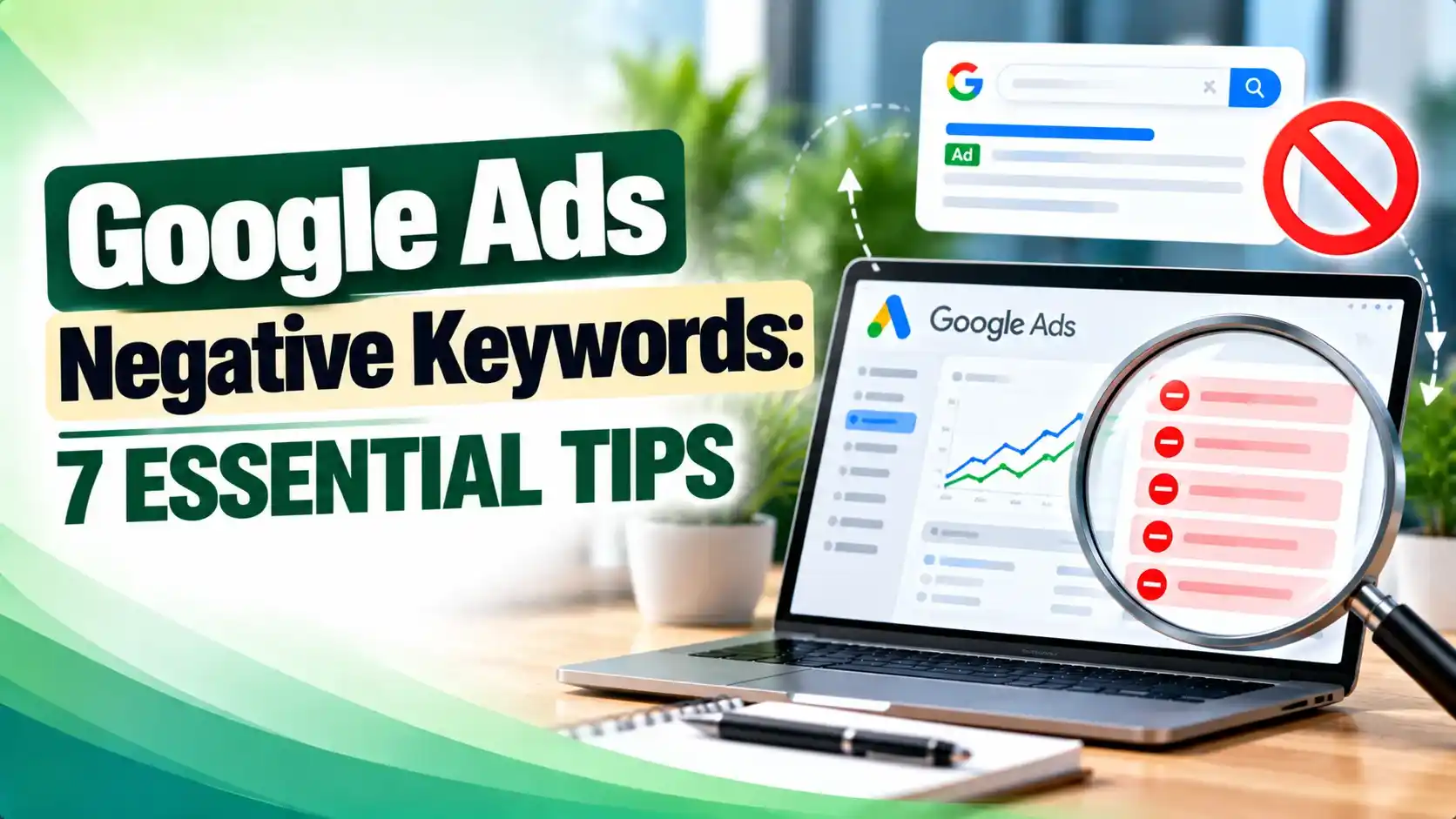
Wasted ad spend usually hides in plain sight inside the search terms report. This guide breaks down negative keyword match types, shared negative keyword lists, campaign versus ad group level placement, the costliest setup mistakes, and exactly how negative keywords behave (and don't) inside Performance Max.
Hey! If your Google Ads account has ever burned through budget on clicks that were never going to turn into a sale, this one is for you.
Picture this. Your campaign looks healthy, impressions keep climbing, clicks keep rolling in, but sales barely move. Open the search terms report and you will usually find the real story: people searching for things you do not sell, cannot afford, or were never going to buy from you anyway. Google Ads negative keywords exist to close exactly that gap, and getting them right is one of the fastest ways to make an existing budget perform better without spending anything extra.
What Are Google Ads Negative Keywords?
Google Ads negative keywords are terms and phrases you add to a campaign or ad group specifically so your ad will not show when someone searches for them. Think of them as a filter sitting between the keywords you are actively bidding on and the live auction, catching searches that are close enough to trigger a match but wrong enough to waste the click.
A plumbing company bidding on "drain cleaning" does not want to show up for "how to unclog a drain yourself." Negative keywords are how you teach the system that distinction without touching a single bid.
They can live at three levels inside an account: the whole account, a single campaign, or one ad group, and each level solves a different problem, covered shortly.
Negative Keyword Match Types: Broad, Phrase, and Exact
Setting up Google Ads negative keywords correctly starts with match type, since broad, phrase, and exact behave differently and change how much traffic gets blocked. Broad match is the default: it blocks a search only when every word in your negative appears somewhere in the query, in any order, per Google's own Ads Help documentation.
Phrase match tightens that by requiring the words to appear in the same order, though extra words can still surround them. Exact match is the strictest of the three, blocking only that specific search with nothing added before or after it, as the table below shows.
Getting this right partly comes down to understanding how the Google Ads auction actually decides which ads are even eligible to compete for a given search, since a well placed negative removes you from that competition entirely rather than just lowering your rank in it.
| Match Type | Written As | Blocks This Search | Still Shows For |
|---|---|---|---|
| Broad match | running shoes | blue running shoes, shoes running | running shoe, blue tennis shoes |
| Phrase match | "running shoes" | blue running shoes | shoes running |
| Exact match | [running shoes] | running shoes (only) | blue running shoes |
Negative Keyword Lists That Work Across Every Campaign
Typing the same Google Ads negative keywords into ten different campaigns, one at a time, is exactly the kind of busywork negative keyword lists were built to remove. A negative keyword list is a single reusable set of exclusions you can apply to as many campaigns as you want, and updating the list once updates every campaign that uses it, per Google's documentation on negative keyword lists.
Google also offers a separate, account wide layer called account level negative keywords, set once in Account Settings, that automatically apply to all eligible Search and Shopping inventory without being attached to any single campaign. Independent consultant Nils Rooijmans documented this option rolling out, noting it supports broad, exact, or phrase match like any other negative, per his write up on account level exclusions.
A good shared list usually covers terms that have nothing to do with your business at all: "free," "jobs," "DIY," and "refund" are common starting points, saved once and reused everywhere rather than rebuilt per campaign.
Tip
Start one shared negative keyword list with universal exclusions like "free," "jobs," "DIY," and "refund," then apply it to every campaign in the account before you build anything more specific. It pairs well with the broader checklist in our Google Ads optimization tips guide.
Campaign Level Negatives vs Ad Group Level Negatives
Negative keywords also differ by where you place them. A campaign level negative blocks a search across every ad group in that campaign, while an ad group level negative only blocks it for that one ad group, leaving the rest untouched.
This matters most when a campaign is split into tightly themed ad groups by product line. If one ad group targets "wedding photography" and another targets "newborn photography," adding "wedding" as an ad group level negative on the newborn ad group stops wedding searches from leaking in, without touching the wedding ad group at all.
A practical way to think about Google Ads negative keywords is as layers, broadest to narrowest: a shared list first, campaign level negatives second, and ad group level negatives last, so overlapping match types never trigger the wrong ad group.
A common proactive habit is adding the exact match version of every ad group's own keywords as negatives on every other ad group in that campaign, which keeps tightly related ad groups from quietly stealing each other's traffic.
Tip
Add the exact match version of each ad group's own keywords as a negative on every sibling ad group in the same campaign, so one tightly targeted ad never steals clicks from another.
Using the Search Terms Report to Find New Negatives
The search terms report shows the real, literal queries that triggered your ads, different from the keywords you actually bid on. It is the best place to find your next negative, because it shows exactly what Google already decided was a close enough match.
A weekly or biweekly pass through this report, sorted by cost or by clicks with zero conversions, usually surfaces the worst offenders fast. Anything irrelevant or clearly a different intent than your offer is a candidate for exclusion.
Go further than a one by one read, and build a pivot table instead: each search term as a row, a count of ad groups it appears in as the value. A term spread across many ad groups is usually a sign your Google Ads negative keywords need to move up a level, from an ad group into the campaign or the shared list.
The Costly Mistakes Most Advertisers Make With Negatives
Negative keywords are simple in concept and easy to get wrong in practice, and the mistakes almost always cost money quietly rather than obviously.
The most damaging mistake is a direct conflict between a negative keyword and a keyword you are actively bidding on. PPC blog Karooya points out that adding a negative which matches one of your own bidded terms will quietly block that keyword from showing, often with no clear warning in the interface, per its rundown of common negative keyword mistakes.
Over blocking is the second most common mistake with Google Ads negative keywords. A broad match negative added casually can remove far more legitimate traffic than intended, so test a phrase or exact match version first on anything you are not completely sure about.
A string of irrelevant clicks does not just waste spend either. It drags down the click through rate on that ad group, which can quietly pull down your Quality Score over time, making every future click in that ad group more expensive than it needs to be.
Google Ads Negative Keywords and Performance Max
Performance Max is where negative keyword support genuinely differs from Search, and it is worth understanding exactly where the limits sit rather than assuming it behaves identically.
Account level negative keywords, set once in Account Settings, automatically apply to Performance Max the same way they apply to Search and Shopping, which is currently the most reliable way to block a term across every Performance Max campaign in the account at once, per Google's help page on negative keywords in Performance Max.
Campaign specific negatives in Performance Max had a real, documented limitation worth knowing about. They originally required contacting a Google representative and were capped at only 100 terms per campaign, until Google raised that cap to 10,000, matching Search campaigns, after advertisers pushed back on the original limit, as reported by PPC Land.
Negative keyword lists, the shared sets that work so well across Search campaigns, remain a newer and uneven part of the picture. Search Engine Land reported advertisers seeing list options appear inside Performance Max settings while Google's own help documentation had not yet confirmed full support everywhere, a feature rolling out unevenly rather than all at once, per its coverage of negative keyword lists being tested in Performance Max.
One real limitation has not changed: Performance Max negative keywords, at every level, only apply to Search and Shopping inventory inside that campaign, not to Display, video, or other automated placements, so a negative alone will never fully stop an unwanted placement outside those two inventory types.
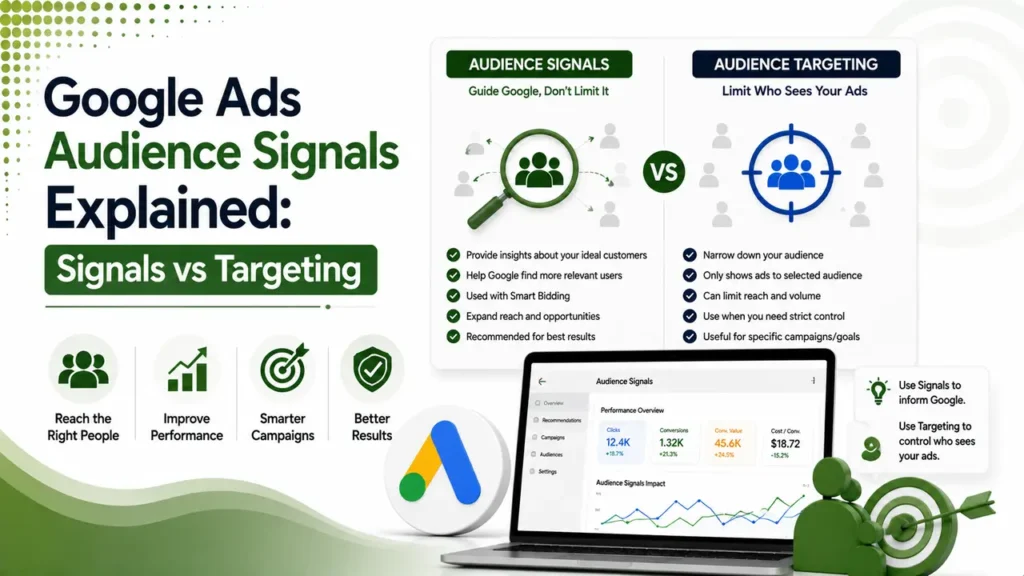
If you are deciding how much manual control you actually need, compare Search campaigns against Performance Max before committing budget. Our step by step guide to optimizing a Performance Max campaign covers where negatives fit alongside audience signals and asset groups.
Performance Max campaigns could hold only 100 negative keywords each, added through a Google representative, until Google raised the limit to 10,000 per campaign in March 2025 to match Search campaigns. Search Engine Journal reported the change after advertisers said the original cap felt too restrictive for real campaign management.
Google Ads negative keywords are terms you add to an account, campaign, or ad group so your ad will not show for searches containing them, which stops wasted spend on clicks that were never going to convert.
Broad match blocks a search when every word in the negative appears anywhere in the query, phrase match requires the same order, and exact match only blocks that specific search with nothing added before or after it.
Yes. A negative keyword list is built once and applied to as many campaigns as you want, and updating it in one place updates it everywhere, far faster than editing each campaign separately.
Use the campaign level for terms that should never trigger any ad group in that campaign, and the ad group level when you only want to stop one specific ad group from showing while leaving the rest of the campaign untouched.
Not entirely. Account level negatives apply to Performance Max automatically, campaign specific negatives in Performance Max only apply to Search and Shopping inventory, and negative keyword list support inside Performance Max is still rolling out unevenly.
Learn Today
Negative Keyword
A term you exclude so your ad will not show for searches containing it.
Match Type
The setting, broad, phrase, or exact, that controls how closely a search must match a negative keyword.
Negative Keyword List
A shared set of exclusions you can apply to several campaigns at once.
Search Terms Report
The report showing the actual queries that triggered your ads.
Account Level Negative
An exclusion set once that applies automatically across every eligible campaign, Performance Max included.
Performance Max
A goal based campaign type that uses automation across Google's full ad inventory.
Stop Paying for Clicks That Were Never Going to Convert
Explore more Brandella Journal guides on SEO and digital marketing.