Now Reading: Generating PDF Reports in PHP: 7 Practical Steps With Real Code
-
01
Generating PDF Reports in PHP: 7 Practical Steps With Real Code
Generating PDF Reports in PHP: 7 Practical Steps With Real Code

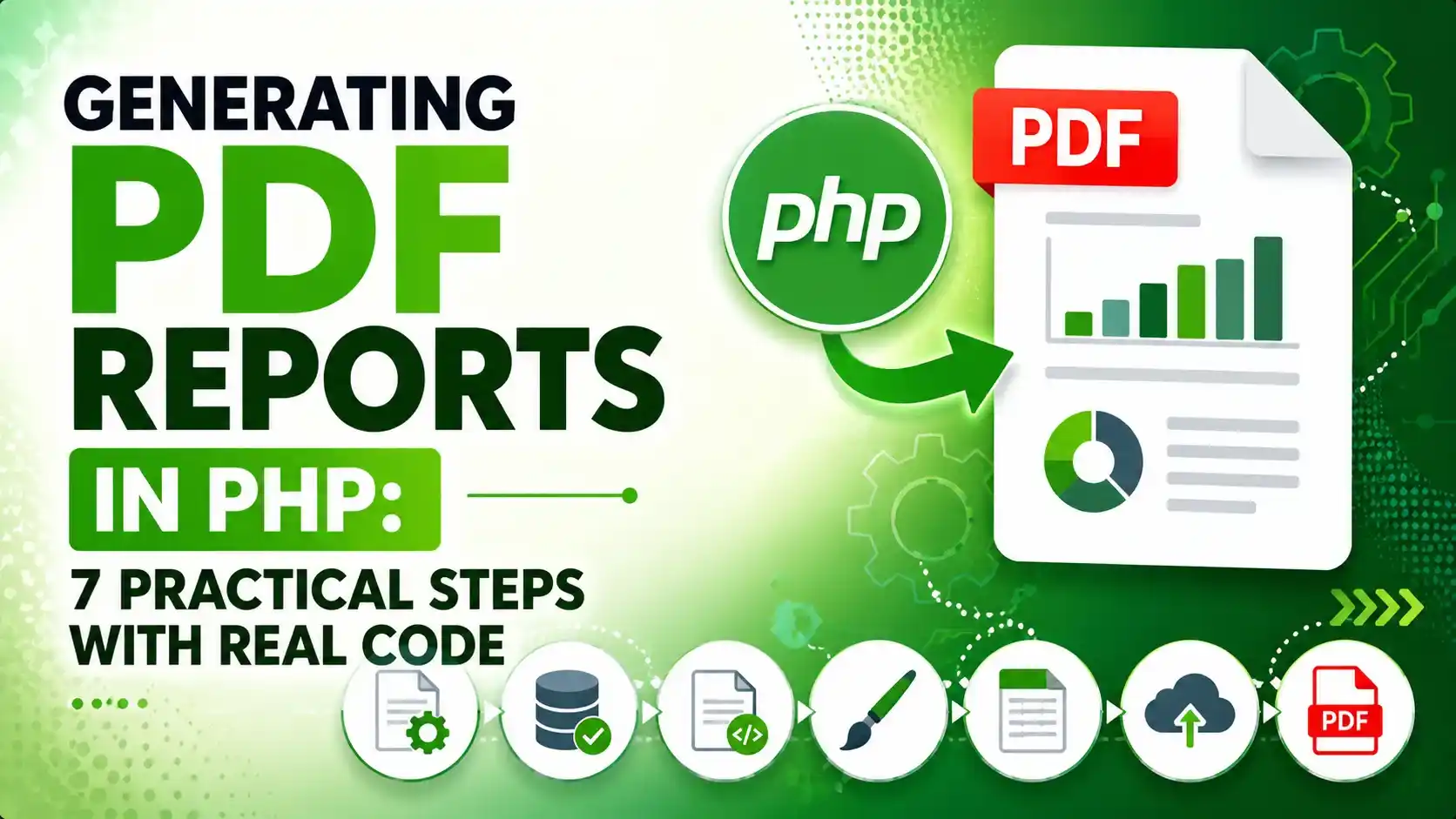
A practical guide to generating PDF reports in PHP, covering HTML templates, real conversion with wkhtmltopdf, verification, and secure file delivery.
A report that only lives on screen is easy to lose track of. Generating PDF reports in PHP turns that data into one downloadable file a client, a manager, or an accounting system can actually keep.
Generating PDF Reports in PHP Starts With Picking the Right Tool
There are two common families of tools for this job. A Composer installed library such as Dompdf, TCPDF, or mPDF renders markup directly inside the PHP process itself.
The other route shells out to a separate rendering engine that takes a full page of real HTML and CSS and turns it into a PDF outside PHP entirely, the approach this article builds around.
Both routes produce a real file that follows the same underlying ISO 32000 PDF specification, so the difference is really about where the rendering happens and what dependencies the hosting environment allows.
| Approach | How It Renders | Best Fit |
|---|---|---|
| Composer library (Dompdf, TCPDF, mPDF) | Builds the PDF inside the PHP process directly | Simple layouts, shared hosting without shell access |
| Shell out to wkhtmltopdf | A separate rendering engine converts a real HTML page | Complex CSS layouts, an existing HTML template |
| Hosted PDF rendering API | The HTML is sent to a remote rendering service | No local binary or library to maintain at all |
Building the Report Template and the Data Behind It
A PDF report is only as good as the HTML it starts from. Keeping the template as a separate function from the data that fills it makes the same layout reusable for an invoice, a monthly summary, or any other report the site needs.
The line items below could just as easily come from a database, pulled with the same kind of prepared statement covered in PHP PDO prepared statements, rather than the fixed array used here for a clear demonstration.
function render_invoice_html(array $invoice): string
{
    $rowsHtml = '';
    $total = 0;

    foreach ($invoice['items'] as $item) {
        $lineTotal = $item['qty'] * $item['price'];
        $total += $lineTotal;
        $rowsHtml .= sprintf(
            '<tr><td>%s</td><td>%d</td><td>$%.2f</td><td>$%.2f</td></tr>',
            htmlspecialchars($item['name']),
            $item['qty'],
            $item['price'],
            $lineTotal
        );
    }

    return "<html>...</html>"; // full HTML template with the rows above inserted
}Run every dynamic value through htmlspecialchars() before it lands in the template, the same rule covered in validating and sanitizing user input in PHP forms. A report is still an HTML page until it gets converted, and it can still carry an injection risk if a customer name is left unescaped.
Keeping styling inline or in a single embedded stylesheet matters here too, since the rendering engine converting the page has no access to the site's own external CSS files once the HTML is handed off.
Converting the Template Into a Real PDF File
Once the HTML template is saved to a real file, the actual conversion step is a single shell command. PHP's system() function hands that command off to the operating system and captures its exit code.
$html = render_invoice_html($invoice);
file_put_contents(__DIR__ . '/invoice.html', $html);

$exitCode = null;
system('wkhtmltopdf --quiet ' . __DIR__ . '/invoice.html ' . __DIR__ . '/invoice.pdf', $exitCode);

echo "wkhtmltopdf exit code: $exitCode\n";
Running that exact script for real against the invoice template above, then checking the file it produced with pdfinfo, gives an honest look at what actually happened rather than an assumption that it worked.

Actual terminal output from running the script above and checking the result with pdfinfo.
The wkhtmltopdf project itself has been described by its own maintainers as deprecated since 2023, with no active development continuing since. It still runs and produces valid files, but it is worth planning a migration path toward a maintained alternative for any long running production project.
Verifying the PDF That Was Actually Produced
A successful exit code is a good sign, but it is not proof the file is a real, readable PDF. Checking file_exists() alone would pass even for an empty, zero byte file.
A more reliable check reads the first few bytes of the file and confirms they match the %PDF signature every valid PDF file starts with, or shells out to a tool built specifically for that job.
$handle = fopen($pdfPath, 'rb');
$header = fread($handle, 5);
fclose($handle);

$isRealPdf = str_starts_with($header, '%PDF-');
The Poppler project's pdfinfo and pdftoppm command line tools go a step further, actually parsing the file's internal structure and reporting page count, page size, and PDF version, or rendering a page to an image so a human can look at the real result.

The real first page of invoice.pdf, rendered straight from the actual generated file rather than a mockup.
Rendering a page with pdftoppm during automated testing catches layout problems, like a table overflowing the page width, that a passing exit code and a valid file signature would both miss entirely.
Storing and Serving Generated PDF Reports Securely
A generated report file deserves the same caution as any user uploaded file. It should sit outside the public web root, under a random name, following the same reasoning covered in PHP file upload security.
Serving the file back to a browser then means reading it through a small PHP script that checks the current user actually owns that report, instead of exposing a direct, guessable file path.
header('Content-Type: application/pdf');
header('Content-Disposition: attachment; filename="invoice-' . $invoiceNumber . '.pdf"');
header('Content-Length: ' . filesize($pdfPath));
readfile($pdfPath);
The Content-Disposition header reference on MDN covers the difference between attachment, which forces a download, and inline, which opens the PDF directly in the browser tab instead.
The OWASP file handling guidance applies just as much to files a server generates as to files a user uploads, particularly around never trusting a client supplied path when reading a file back off disk.
Scheduling PDF Reports to Generate on Their Own
Plenty of reports do not need a person to click a button at all. A nightly sales summary or a weekly export reads more naturally as a scheduled job than as something someone has to remember to run.
The overlap locking and structured logging pattern covered in PHP cron jobs applies directly here too, since a report generation script that runs twice at once can produce a half written file.
# runs every night at 2am, generates the previous day's report
0 2 * * * php /var/www/scripts/generate_daily_report.php >> /var/log/pdf_reports.log 2>&1Choosing Between wkhtmltopdf and a Composer Library in Production
The right choice usually comes down to what the hosting environment actually allows, and how complex the report layout needs to be.
- Shell access is required for wkhtmltopdf: shared hosting without
system()orexec()access rules this option out entirely. - Composer libraries work anywhere PHP runs: Dompdf, TCPDF, and mPDF need no shell access, only a Composer install.
- Complex CSS renders more accurately through wkhtmltopdf: it uses a real browser style engine rather than each library's own partial CSS support.
- Always verify the output file, not just the exit code: a real file check catches failures a passing status code alone would miss.
- Plan for wkhtmltopdf's unmaintained status: it still works today, but a long running project should track a maintained alternative.
Frequently Asked Questions
Shelling out to a preinstalled binary like wkhtmltopdf with system() is often the fastest path when shell access is available, since it renders real HTML and CSS without needing a Composer library at all.
No. Composer is only needed for library based options like Dompdf, TCPDF, or mPDF. Shelling out to a system binary skips Composer entirely.
It still runs and produces valid files today, but the project itself has been described as deprecated since 2023 with no active development, so a long running project should plan for an eventual migration.
Check the file's first bytes for the %PDF signature, or use a tool like pdfinfo, rather than trusting a passing exit code or file_exists() alone.
Yes, a cron job can run the same generation script nightly or weekly, with overlap locking to prevent two runs writing to the same file at once.
What We Learn Today
Two real paths for PDF generation
Shell out to a renderer, or use a Composer library.
wkhtmltopdf uses a real render engine
Full HTML and CSS convert more accurately than partial support.
An exit code is not proof of a valid file
Check the %PDF signature or use pdfinfo instead.
Serve reports through a script
Never a raw, guessable public file path.
Cron can generate reports on its own
Overlap locking keeps two runs from colliding.
wkhtmltopdf is now unmaintained
Plan a migration path for any long running project.
Ready to Add Real PDF Reports to Your PHP Project?
Generating PDF reports in PHP goes from a rough shell command to a genuinely reliable feature once the file gets verified, stored safely, and served through a proper download script.