Now Reading: PHP Error Logging and Monitoring: 7 Steps for Production Sites
-
01
PHP Error Logging and Monitoring: 7 Steps for Production Sites
PHP Error Logging and Monitoring: 7 Steps for Production Sites

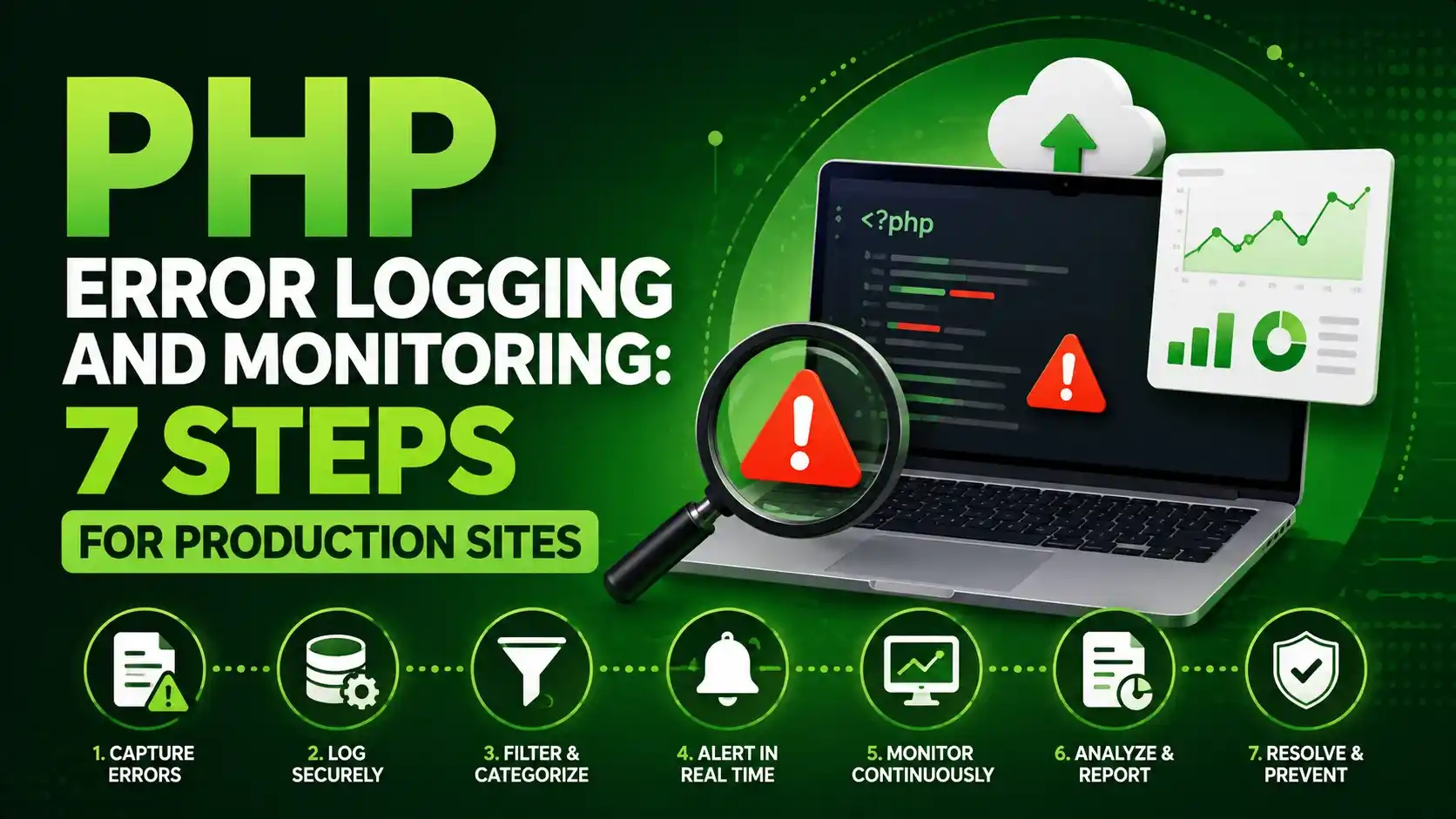
A hands on guide to php error logging and monitoring, covering structured JSON logs, safe log fields, alert thresholds, and a real webhook alert.
A production site fails quietly far more often than it fails loudly. PHP error logging and monitoring is what turns a silent failure into something a team actually notices and fixes before a customer has to report it.
PHP Error Logging and Monitoring Starts With Catching Every Error Type
PHP splits errors into a few different categories, and each one needs its own hook to reach a log file at all. A plain try and catch block only handles exceptions, and misses warnings, notices, and fatal errors entirely.
set_error_handler() catches warnings and notices, a separate exception handler catches anything that escapes every try block, and a shutdown function is the only reliable way to catch a true fatal error.
set_error_handler(function (int $severity, string $message, string $file, int $line) {
    json_log('WARNING', $message, ['file' => basename($file), 'line' => $line]);
    return true;
});

set_exception_handler(function (Throwable $e) {
    json_log('ERROR', $e->getMessage(), ['file' => basename($e->getFile()), 'line' => $e->getLine()]);
});

register_shutdown_function(function () {
    $error = error_get_last();
    if ($error !== null && $error['type'] === E_ERROR) {
        json_log('FATAL', $error['message'], ['file' => basename($error['file'])]);
    }
});Register all three handlers as early as possible, ideally the very first thing a script does. An error that happens before the handler is registered falls back to PHP's default behavior, which may not reach a log file at all.
Writing Structured JSON Log Lines Instead of Plain Text
A plain text log line like Warning: undefined key on line 42 is fine for a human skimming a file by eye. It is much harder for a script to parse reliably once the message format varies even slightly.
Writing each entry as a single JSON object, one per line, keeps every field, the level, the message, the file, and the line number, in a fixed, predictable shape that a monitoring script can read without guesswork.
function json_log(string $level, string $message, array $context = []): void
{
    $entry = [
        'timestamp' => date('c'),
        'level' => $level,
        'message' => $message,
        'context' => $context,
    ];
    error_log(json_encode($entry) . PHP_EOL, 3, __DIR__ . '/app.log');
}
Running the full script for real, once against a genuinely undefined array key and once against an exception that escapes every catch block, shows exactly what lands in the log file rather than what the code is supposed to produce.

Actual structured log lines written by the code above after a real warning and two real errors.
The PSR-3 logger interface, maintained by the PHP Framework Interop Group, standardizes eight severity levels from debug up to emergency. Building custom log output around those same level names keeps a hand rolled logger compatible with tools that expect a PSR-3 style logger later.
Choosing What Actually Belongs in a Log Entry
Good PHP error logging and monitoring depends on choosing the right fields for each entry, not just capturing everything that happens to be available.
More context in a log entry generally helps, but not every piece of context is safe to write to disk. A failed login attempt from the flow covered in building a PHP authentication system is worth logging, while the password that was typed is not.
A useful entry usually includes the timestamp, the severity level, a clear message, the file and line, and any request specific identifier, like a user ID or a request ID, that helps trace the error back to a single real event.
Never write a raw password, session token, API key, or credit card number into a log entry, even temporarily. The OWASP Logging Cheat Sheet covers this exact category of mistake in detail, along with what belongs in a log and what does not.
Parsing Logs and Deciding When Something Is Actually Wrong
A single warning in a log file rarely means a site is broken. Reading through every log entry and reacting to each one individually would bury a team in noise within the first day.
A small monitoring script instead reads the whole log file, counts how many entries hit each severity level, and only reacts once a real error count crosses a threshold worth paying attention to.
$lines = file(__DIR__ . '/app.log', FILE_IGNORE_NEW_LINES | FILE_SKIP_EMPTY_LINES);

$counts = ['WARNING' => 0, 'ERROR' => 0, 'FATAL' => 0];
foreach ($lines as $line) {
    $entry = json_decode($line, true);
    $counts[$entry['level']]++;
}
Counting entries by level this way turns a wall of raw text into a handful of numbers a threshold check can actually reason about, which is what the next section reacts to.
Sending a Real Alert When the Threshold Is Crossed
Once the error count crosses a threshold, the monitoring script sends an actual HTTP request to a webhook endpoint, the same mechanism a real chat notification or paging tool listens on.
if ($counts['ERROR'] + $counts['FATAL'] >= 2) {
    $payload = json_encode(['alert' => 'error_threshold_exceeded', 'error_count' => $counts['ERROR']]);

    $ch = curl_init('https://alerts.example.com/webhook');
    curl_setopt_array($ch, [
        CURLOPT_POST => true,
        CURLOPT_POSTFIELDS => $payload,
        CURLOPT_HTTPHEADER => ['Content-Type: application/json'],
        CURLOPT_RETURNTRANSFER => true,
    ]);
    $response = curl_exec($ch);
}
Testing this against a genuine local endpoint, rather than assuming the request works, confirms the payload is actually correct and the response the receiving side sends back is what the code expects.

Actual output from monitor.php, including a real HTTP 200 response from the webhook it called.
A response code worth checking here is the HTTP 200 status confirming the alert was received, since a monitoring script that never checks its own alert delivery can fail silently in exactly the way it was built to prevent.
Production teams at scale usually replace a hand rolled webhook like this one with a dedicated application monitoring platform such as Sentry, Datadog, or Papertrail. These tools handle log retention, search, and alert routing that a small script like the one above does not attempt to replace.
Automating the Monitoring Check on a Schedule
Running monitor.php by hand defeats the entire point of monitoring. A cron entry running the same overlap locking pattern covered in PHP cron jobs keeps the check running on its own every few minutes.
# runs every 5 minutes, checks the log and alerts if needed
*/5 * * * * php /var/www/scripts/monitor.php >> /var/log/monitor_runs.log 2>&1
The same threshold thinking applies beyond application errors too. The token bucket limiter covered in PHP rate limiting is itself a source worth logging and monitoring, since a sudden spike in rejected requests often signals an attack before it shows up anywhere else.
Choosing an Approach That Fits the Size of the Project
PHP error logging and monitoring does not need the same setup at every stage of a project. A hand rolled logger and webhook script, like the one built above, is not always the right choice once a project grows past a single server.
| Approach | What It Gives You | Best Fit |
|---|---|---|
| Hand rolled logger and webhook | Full control, no external dependency | A single small site or an internal tool |
| PSR-3 compatible library | Consistent interface across frameworks | A codebase that may swap logging backends later |
| Hosted monitoring platform | Retention, search, dashboards, alert routing | A production site with real uptime requirements |
- Register error handlers before anything else runs: an error before the handler exists never reaches the log at all.
- Use structured JSON, not free form text: a monitoring script needs fixed fields it can parse reliably.
- Never write a secret to a log file: passwords, tokens, and card numbers do not belong there, ever.
- Alert on a threshold, not on every warning: avoids the alert fatigue that makes a team start ignoring alerts entirely.
- Automate the check with cron: a monitoring script that only runs manually will eventually stop running at all.
Frequently Asked Questions
Logging is capturing what happened, one entry at a time. Monitoring is reading those log entries as a whole and deciding when a pattern is worth reacting to.
No. It catches warnings and notices, but a true fatal error still needs register_shutdown_function() paired with error_get_last() to be logged at all.
A JSON log line has fixed, predictable fields a script can parse directly, instead of relying on a fragile regular expression that breaks the moment a message format changes slightly.
Yes, the attempt and the account it targeted are useful signals. The password itself should never be written to a log file, even for a failed attempt.
For a small site, often yes. A larger production site usually outgrows a single webhook and moves to a dedicated monitoring platform for retention, search, and alert routing.
What We Learn Today
Three hooks catch nearly every error
set_error_handler, set_exception_handler, and a shutdown function together.
Structured JSON beats plain text logs
Fixed fields parse reliably instead of relying on fragile regex.
Never log a secret
Passwords and tokens do not belong in a log file, ever.
A threshold beats alerting on everything
Avoids the alert fatigue that leads a team to start ignoring alerts.
A real webhook call can trigger an alert
Proven above with an actual local server and a real HTTP response.
Cron keeps the check running on its own
The same overlap locking pattern used for scheduled reports.
Ready to Stop Missing Errors on Your Production Site?
PHP error logging and monitoring turns silent failures into something a team actually sees, with structured logs, sensible thresholds, and a real alert path behind every one of them.