

- Home
- SEODiscover the latest updates from across the United States, including politics, culture, economy, and trending stories. Stay informed on the key events shaping the nation and the topics everyone’s talking about.
- Technical SEOLearn technical SEO concepts including crawling, indexing, XML sitemaps, robots.txt, canonical tags, site architecture, and website performance.
- Local SEOOptimize your business for local seo with Google Business Profile, local citations, reviews, maps, and location-based SEO.
- Mobile SEOImprove your website’s mobile seo performance with responsive design, mobile-first indexing, usability, and page speed optimization.
- On-Page SEOExplore on-page seo optimization techniques such as title tags, meta descriptions, headings, URLs, internal linking, and content optimization.
- Off-Page SEODiscover off-page SEO strategies such as backlinks, digital PR, brand mentions, outreach, and authority building.
- SEO ToolsExplore the best SEO tools for keyword research, technical audits, backlink analysis, rank tracking, and website optimization.
- Core Web VitalsLearn how to improve Core Web Vitals including LCP, INP, CLS, page speed, and overall user experience for better rankings.
- Keyword ResearchLearn how to find profitable keywords, analyze search intent, evaluate competition, and build effective keyword strategies.
- Link BuildingMaster ethical link building techniques, backlink analysis, outreach methods, guest posting, and authority growth strategies.
- Google Search ConsoleLearn how to use Google Search Console to monitor indexing, fix errors, analyze search performance, and improve SEO.
- SEO BasicsLearn the fundamentals of search engine optimization (SEO Basics), including how search engines work, SEO terminology, and beginner-friendly best practices.
- Paid Media
- Display AdvertisingLearn display advertising strategies, banner ads, audience targeting, remarketing, Google Display campaigns, and optimization techniques.
- Google AdsLearn Google Ads strategies, campaign setup, bidding, keywords, Performance Max, Search Ads, and optimization techniques.
- LinkedIn AdsLearn LinkedIn Ads strategies for B2B marketing, lead generation, audience targeting, campaign optimization, and paid social advertising.
- Meta AdsLearn Meta Ads strategies for Facebook and Instagram, including campaign setup, targeting, retargeting, and performance optimization.
- Paid Media AnalyticsLearn paid media analytics, including CPC, CTR, CPA, ROAS, conversion tracking, attribution, reporting, and campaign performance analysis.
- PPC StrategyLearn effective PPC strategies, campaign planning, bidding, keyword targeting, landing pages, conversion optimization, and more.
- ContentTransform your living spaces with inspiration, tips, and trends in interior design. From minimalist decor to bold statements, find ideas for every style and budget.
- Social
- Digital MarketingExplore stories and advice on living your best life. From personal growth to entertainment, dive into the latest in lifestyle trends and inspiration.
- Artificial IntelligenceStay informed about health and wellness with expert advice, fitness tips, and the latest medical breakthroughs. Your guide to a healthier and happier life.
- DevelopmentYou will find development related educational articles
- GTMLearn Google Tag Manager (GTM) with practical guides for tags, triggers, variables, tracking, conversions, and website analytics implementation.
- HTMLLearn HTML with simple tutorials, examples, tags, elements, attributes, and best practices for building modern web pages.
- HTML CSSLearn HTML CSS together with practical tutorials, examples, layouts, styling techniques, responsive design, and modern web development practices.
- HTML JSLearn HTML JS – JavaScript with practical tutorials and examples for adding interactivity, dynamic content, events, and functionality to web pages.
- JavaScriptExplore JavaScript tutorials, examples, concepts, and practical techniques for creating interactive and dynamic websites and web applications.
- PHPLearn PHP programming with practical tutorials, examples, functions, syntax, and web development techniques for beginners and developers.
- PythonLearn Python programming with practical tutorials, examples, syntax, functions, automation techniques, and useful programming concepts.
- Home
- SEODiscover the latest updates from across the United States, including politics, culture, economy, and trending stories. Stay informed on the key events shaping the nation and the topics everyone’s talking about.
- Technical SEOLearn technical SEO concepts including crawling, indexing, XML sitemaps, robots.txt, canonical tags, site architecture, and website performance.
- Local SEOOptimize your business for local seo with Google Business Profile, local citations, reviews, maps, and location-based SEO.
- Mobile SEOImprove your website’s mobile seo performance with responsive design, mobile-first indexing, usability, and page speed optimization.
- On-Page SEOExplore on-page seo optimization techniques such as title tags, meta descriptions, headings, URLs, internal linking, and content optimization.
- Off-Page SEODiscover off-page SEO strategies such as backlinks, digital PR, brand mentions, outreach, and authority building.
- SEO ToolsExplore the best SEO tools for keyword research, technical audits, backlink analysis, rank tracking, and website optimization.
- Core Web VitalsLearn how to improve Core Web Vitals including LCP, INP, CLS, page speed, and overall user experience for better rankings.
- Keyword ResearchLearn how to find profitable keywords, analyze search intent, evaluate competition, and build effective keyword strategies.
- Link BuildingMaster ethical link building techniques, backlink analysis, outreach methods, guest posting, and authority growth strategies.
- Google Search ConsoleLearn how to use Google Search Console to monitor indexing, fix errors, analyze search performance, and improve SEO.
- SEO BasicsLearn the fundamentals of search engine optimization (SEO Basics), including how search engines work, SEO terminology, and beginner-friendly best practices.
- Paid Media
- Display AdvertisingLearn display advertising strategies, banner ads, audience targeting, remarketing, Google Display campaigns, and optimization techniques.
- Google AdsLearn Google Ads strategies, campaign setup, bidding, keywords, Performance Max, Search Ads, and optimization techniques.
- LinkedIn AdsLearn LinkedIn Ads strategies for B2B marketing, lead generation, audience targeting, campaign optimization, and paid social advertising.
- Meta AdsLearn Meta Ads strategies for Facebook and Instagram, including campaign setup, targeting, retargeting, and performance optimization.
- Paid Media AnalyticsLearn paid media analytics, including CPC, CTR, CPA, ROAS, conversion tracking, attribution, reporting, and campaign performance analysis.
- PPC StrategyLearn effective PPC strategies, campaign planning, bidding, keyword targeting, landing pages, conversion optimization, and more.
- ContentTransform your living spaces with inspiration, tips, and trends in interior design. From minimalist decor to bold statements, find ideas for every style and budget.
- Social
- Digital MarketingExplore stories and advice on living your best life. From personal growth to entertainment, dive into the latest in lifestyle trends and inspiration.
- Artificial IntelligenceStay informed about health and wellness with expert advice, fitness tips, and the latest medical breakthroughs. Your guide to a healthier and happier life.
- DevelopmentYou will find development related educational articles
- GTMLearn Google Tag Manager (GTM) with practical guides for tags, triggers, variables, tracking, conversions, and website analytics implementation.
- HTMLLearn HTML with simple tutorials, examples, tags, elements, attributes, and best practices for building modern web pages.
- HTML CSSLearn HTML CSS together with practical tutorials, examples, layouts, styling techniques, responsive design, and modern web development practices.
- HTML JSLearn HTML JS – JavaScript with practical tutorials and examples for adding interactivity, dynamic content, events, and functionality to web pages.
- JavaScriptExplore JavaScript tutorials, examples, concepts, and practical techniques for creating interactive and dynamic websites and web applications.
- PHPLearn PHP programming with practical tutorials, examples, functions, syntax, and web development techniques for beginners and developers.
- PythonLearn Python programming with practical tutorials, examples, syntax, functions, automation techniques, and useful programming concepts.
Now Reading: Pagination SEO Explained: Best Practices for Large Websites
-
01
Pagination SEO Explained: Best Practices for Large Websites
- Home//
- SEO//Discover the latest updates from across the United States, including politics, culture, economy, and trending stories. Stay informed on the key events shaping the nation and the topics everyone’s talking about.
- Technical SEO//Learn technical SEO concepts including crawling, indexing, XML sitemaps, robots.txt, canonical tags, site architecture, and website performance.
- Local SEO//Optimize your business for local seo with Google Business Profile, local citations, reviews, maps, and location-based SEO.
- Mobile SEO//Improve your website’s mobile seo performance with responsive design, mobile-first indexing, usability, and page speed optimization.
- On-Page SEO//Explore on-page seo optimization techniques such as title tags, meta descriptions, headings, URLs, internal linking, and content optimization.
- Off-Page SEO//Discover off-page SEO strategies such as backlinks, digital PR, brand mentions, outreach, and authority building.
- SEO Tools//Explore the best SEO tools for keyword research, technical audits, backlink analysis, rank tracking, and website optimization.
- Core Web Vitals//Learn how to improve Core Web Vitals including LCP, INP, CLS, page speed, and overall user experience for better rankings.
- Keyword Research//Learn how to find profitable keywords, analyze search intent, evaluate competition, and build effective keyword strategies.
- Link Building//Master ethical link building techniques, backlink analysis, outreach methods, guest posting, and authority growth strategies.
- Google Search Console//Learn how to use Google Search Console to monitor indexing, fix errors, analyze search performance, and improve SEO.
- SEO Basics//Learn the fundamentals of search engine optimization (SEO Basics), including how search engines work, SEO terminology, and beginner-friendly best practices.
- Paid Media//
- Display Advertising//Learn display advertising strategies, banner ads, audience targeting, remarketing, Google Display campaigns, and optimization techniques.
- Google Ads//Learn Google Ads strategies, campaign setup, bidding, keywords, Performance Max, Search Ads, and optimization techniques.
- LinkedIn Ads//Learn LinkedIn Ads strategies for B2B marketing, lead generation, audience targeting, campaign optimization, and paid social advertising.
- Meta Ads//Learn Meta Ads strategies for Facebook and Instagram, including campaign setup, targeting, retargeting, and performance optimization.
- Paid Media Analytics//Learn paid media analytics, including CPC, CTR, CPA, ROAS, conversion tracking, attribution, reporting, and campaign performance analysis.
- PPC Strategy//Learn effective PPC strategies, campaign planning, bidding, keyword targeting, landing pages, conversion optimization, and more.
- Content//Transform your living spaces with inspiration, tips, and trends in interior design. From minimalist decor to bold statements, find ideas for every style and budget.
- Social//
- Digital Marketing//Explore stories and advice on living your best life. From personal growth to entertainment, dive into the latest in lifestyle trends and inspiration.
- Artificial Intelligence//Stay informed about health and wellness with expert advice, fitness tips, and the latest medical breakthroughs. Your guide to a healthier and happier life.
- Development//You will find development related educational articles
- GTM//Learn Google Tag Manager (GTM) with practical guides for tags, triggers, variables, tracking, conversions, and website analytics implementation.
- HTML//Learn HTML with simple tutorials, examples, tags, elements, attributes, and best practices for building modern web pages.
- HTML CSS//Learn HTML CSS together with practical tutorials, examples, layouts, styling techniques, responsive design, and modern web development practices.
- HTML JS//Learn HTML JS – JavaScript with practical tutorials and examples for adding interactivity, dynamic content, events, and functionality to web pages.
- JavaScript//Explore JavaScript tutorials, examples, concepts, and practical techniques for creating interactive and dynamic websites and web applications.
- PHP//Learn PHP programming with practical tutorials, examples, functions, syntax, and web development techniques for beginners and developers.
- Python//Learn Python programming with practical tutorials, examples, syntax, functions, automation techniques, and useful programming concepts.
Pagination SEO Explained: Best Practices for Large Websites

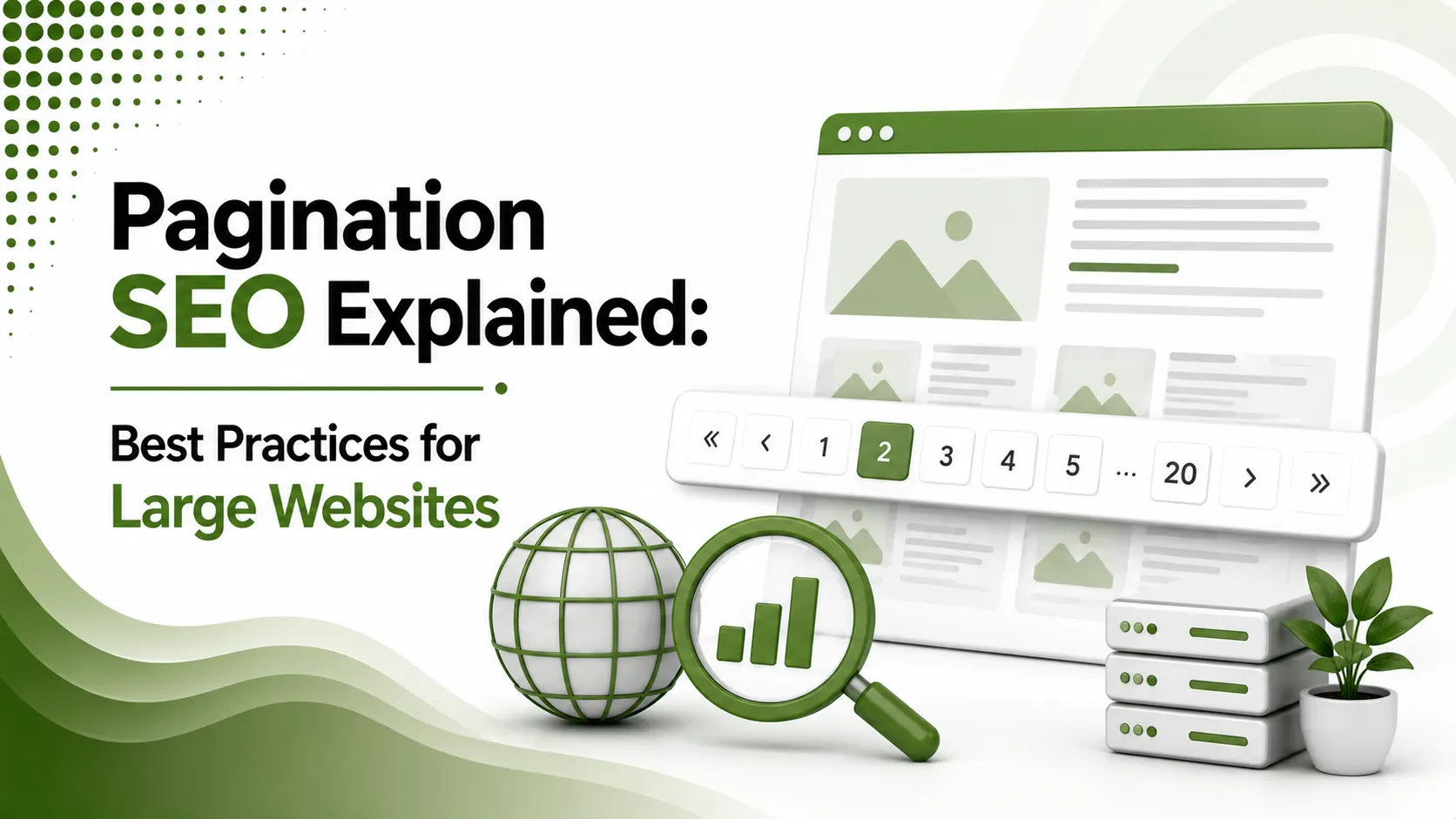
Pagination SEO helps large websites organize extensive content across multiple pages while maintaining effective crawling, indexing, internal linking, and search visibility.
Table of Contents
ToggleIn 2019, Google quietly confirmed something it had actually stopped doing years earlier: it no longer uses rel="next" and rel="prev" for indexing at all. Thousands of sites had spent years carefully implementing markup that had been ignored the entire time. Pagination SEO in 2026 runs on an entirely different set of rules, and most large websites are still following the old ones.
Pagination SEO is the practice of structuring multi-page content, category listings, blog archives, search results, so search engines can crawl, index, and understand each page correctly, primarily through self-referencing canonical tags and real, crawlable HTML links rather than the deprecated rel="next"/"prev" markup.
We covered the discovery mechanics this connects to in our crawling and indexing guide. Pagination is one of the most common places that discovery process quietly breaks down on large sites.
the year Google confirmed it had already stopped using rel="next"/"prev" for indexing
rule to remember: never canonicalize a paginated page back to page 1
special pagination markup required beyond real links and self-referencing canonicals
Watch: Google Explains Its Original Pagination Guidance
Video: "Google Quietly Kills rel="next" & rel="prev" – What It Means for SEO Pagination Strategy," hosted by Jacob Stoops, The Page 2 Podcast — credit to the original creator, via YouTube
The Mistake That Breaks Pagination Most Often
Google's own guidance is explicit: "Don't use the first page of a paginated sequence as the canonical page. Instead, give each page its own canonical URL." Pointing page 2's canonical at page 1 tells Google page 2 doesn't really exist.
Correct Self-Referencing Canonical Setup
<!-- On /category?page=2, the canonical points to itself -->
<link rel="canonical" href="https://www.example.com/category?page=2" />

<!-- Repeat the same pattern on every paginated page -->
<link rel="canonical" href="https://www.example.com/category?page=3" />
Each page declares itself as the canonical version; none of them point back to page 1
Real Links Beat Deprecated Markup
According to theStacc's 2026 pagination SEO guide, Googlebot's two-phase crawling process downloads raw HTML first, then renders JavaScript separately. Pagination links that only exist after JavaScript execution introduce discovery delays real HTML links avoid entirely.
<!-- Server-rendered, immediately crawlable -->
<a href="/category?page=3">Next Page</a>

<!-- Avoid: hash-based or JS-only navigation -->
<a href="#page=3" onclick="loadPage(3)">Next</a>
Real, server-rendered href links give Google immediate access without waiting for the render queue
Do You Still Need rel="next" and rel="prev"?
The honest answer depends on which search engine actually sends your site traffic.
Skip it entirely on new sites. Google confirmed it hasn't used these tags for indexing in years. If they already exist on an older site, leaving them costs nothing, but don't spend new implementation time here.
Keep or add them. Bing still reads rel="next" and rel="prev" to aid discovery and understand site structure, even though it doesn't merge pages the way Google once did.
Handling the "Thin Content" Problem
According to ClickRank's ultimate 2026 guide to pagination SEO, sequential pages lacking unique elements beyond a listed item grid risk being perceived as thin, near-duplicate pages offering little independent value.
| Approach | When to Use It |
|---|---|
| Standard sequential pagination | Large catalogs where a View All page would be too slow |
| View All page as canonical | Manageable item counts where full content loads efficiently |
| Unique meta descriptions per page | Always, regardless of which pagination pattern is chosen |
Faceted Navigation: A Related but Different Problem
According to Arcane Marketing's 2026 guide to pagination SEO and GEO best practices, faceted navigation parameters, filters for size, color, or price range, should be controlled through Search Console parameter handling or robots.txt to prevent runaway URL proliferation.
Pagination Strategy Checker
Select your site type to get a recommended pagination approach.
Pagination Strategy Checker
A quick recommendation based on your content type and catalog size
Why Pagination SEO Still Trips Up Large Sites
According to Conductor's guide to pagination and SEO, ecommerce and publishing sites are especially prone to pagination mistakes, since category pages and archives naturally split across dozens or hundreds of individual pages as inventory or content grows.
A single incorrect canonical rule applied through a template can silently affect every paginated page across an entire site at once, making pagination one of the highest-leverage places to get technical SEO right the first time.
How Search Console Reports Pagination Issues
According to seoClarity's complete guide to pagination SEO, the Coverage report's "Duplicate, Google chose different canonical than user" status frequently reveals pagination pages Google has silently reassigned to a different URL than the one specified in the code.
Reviewing this report periodically on large sites catches canonical conflicts before they meaningfully affect how much of a paginated archive actually gets indexed and surfaced in search results.
Pagination in Single-Page Applications
According to Pointer SEO's guide to pagination best practices, JavaScript frameworks handling pagination client-side need the URL to change through the browser's History API, not just the visible content, or crawlers see no distinct page to index at all.
// Update the URL when loading a new page, not just the content
window.history.pushState({}, '', '/category?page=3');
Without this call, the address bar never reflects page 3, and neither does anything a crawler can index
Internal Linking Through Paginated Archives
According to Engage Coders' 2026 guide to pagination and SEO, deep pagination sequences bury older content many clicks from the homepage, weakening the internal linking signal that content would otherwise receive.
Linking directly to genuinely important deep pages from elsewhere on the site, rather than relying solely on sequential pagination to eventually surface them, keeps valuable older content from becoming effectively orphaned.
Auditing Pagination on an Existing Site
According to Lumar's guide to pagination SEO auditing, crawling a site with a dedicated SEO crawler and filtering specifically for paginated URL patterns quickly surfaces canonical inconsistencies that a manual page-by-page review would take far longer to catch.
Cross-referencing that crawl data against Search Console's indexed page count for the same section confirms whether the paginated archive is actually getting indexed as intended, or whether a subtle pagination SEO mistake is quietly suppressing pages from ever appearing.
Keeping Pagination Consistent as a Site Grows
Pagination rules set once in a template tend to drift as a site adds new page types, filters, or sorting options over time.
What worked correctly for a simple blog archive can behave very differently once product filters or sort parameters get layered on top of the same URL structure.
Revisiting pagination SEO settings whenever a major site redesign or new content type launches catches these drift issues before they compound across thousands of pages, the same discipline that keeps canonical tags, internal linking, and crawl efficiency working together as intended.
FAQs on Pagination SEO
Related Articles
What We Learn Today
Google stopped using rel="next"/"prev" for indexing years before 2019
Never canonicalize a paginated page back to page 1
Bing still reads rel="next"/"prev" even though Google doesn't
Real, server-rendered links beat JavaScript-only navigation
A View All page works best for manageable, smaller catalogs
Faceted navigation needs separate parameter handling from pagination
Related Posts


Previous Post
Next Post
Previous Post
Next Post





- Artificial Intelligence
- Content
- Core Web Vitals
- Development
- Digital Marketing
- Display Advertising
- Google Ads
- Google Search Console
- GTM
- HTML
- HTML CSS
- JavaScript
- Keyword Research
- Link Building
- LinkedIn Ads
- Local SEO
- Meta Ads
- Mobile SEO
- Off-Page SEO
- On-Page SEO
- Paid Media
- Paid Media Analytics
- PHP
- PPC Strategy
- Python
- SEO
- SEO Basics
- SEO Tools
- Social
- Technical SEO




