Now Reading: LinkedIn Ads Targeting: 7 Proven Options for B2B
-
01
LinkedIn Ads Targeting: 7 Proven Options for B2B

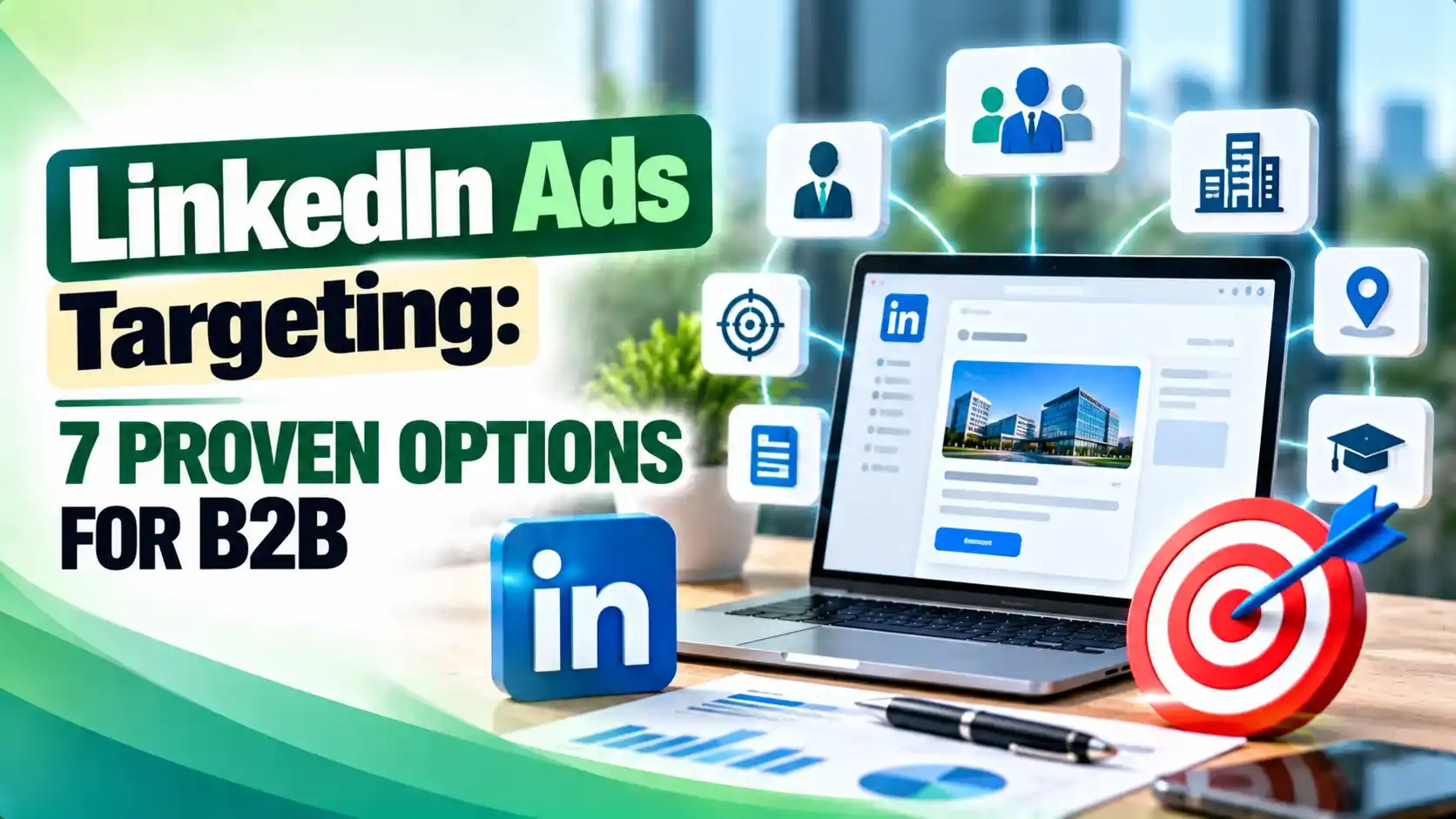
LinkedIn Ads targeting covers seven real option groups B2B marketers can use today, from company and job based filters to Matched Audiences and AI driven Predictive Audiences. This guide breaks down what each one does, the real numbers behind list sizes and audience minimums, and the mistakes that quietly waste budget. It also covers the LinkedIn Audience Network and how to choose the right mix for a given campaign goal.
Hey! If you have ever launched a LinkedIn campaign and watched the budget disappear on clicks from people nowhere near your buyer, this one is for you.
Picture this: the creative is sharp, the offer is strong, and the budget is approved, but the wrong job titles are the ones seeing the ad. Smart LinkedIn Ads targeting is what fixes that before a single rupee gets spent, and it is almost always the real reason one B2B campaign outperforms another with the same creative.
What LinkedIn Ads Targeting Really Means for B2B Teams
LinkedIn Ads targeting is the full set of filters and audience tools inside Campaign Manager that decide exactly who sees your ad: the industry someone works in, the title on their profile, the skills they have listed, or an account list your sales team already wants to close.
Seven option groups make up the current toolkit: company and firmographic filters, job based filters, Matched Audiences, interest and member trait filters, LinkedIn's AI assisted Predictive Audiences, and the LinkedIn Audience Network, which carries your ad past the LinkedIn feed itself.
None of these options work well alone. The real skill in LinkedIn Ads targeting is layering two or three filters so the audience stays relevant and still large enough to spend a real budget against, a point worth revisiting whenever you build out a broader LinkedIn marketing strategy for a client or your own brand.
Company and Firmographic Targeting
Company and firmographic filters are usually the first layer most B2B teams set up. You can target by company industry, which is based on the industry listed on a company's LinkedIn Page, by company size, and by company name directly.
Company size is grouped into inferred employee bands, with ranges such as 1 to 200 employees for smaller organisations and 500 plus for enterprise accounts. Company name targeting lets you enter companies manually, with a cap of around 100 names per list, which is fine for a tight account based marketing push.
A well maintained LinkedIn Company Page also feeds this layer, since follower data and page activity influence how LinkedIn classifies and surfaces a brand to advertisers. If your own page needs work before you lean on company targeting, our guide on how to grow your LinkedIn Company Page is a useful companion read.
Tip
Start new LinkedIn Ads targeting combinations broad across company size and industry, then narrow with exclusions once Campaign Manager shows you real delivery volume rather than guessing upfront.
Job Based Targeting: Title, Function, Seniority, and Skills
Job based filters are the second pillar of LinkedIn Ads targeting, and they come in a few distinct flavors. Job title is the most specific, pulled from the free text members type into their profile, which makes it powerful but sometimes too narrow for smaller regions or niche industries.
Job function groups titles into standardized categories such as Marketing, Sales, or Information Technology, and seniority adds a layer for rank and decision making influence, from entry level through owner and partner. Skills targeting works slightly differently: it pulls from the skills a member has listed plus keywords used across their profile and job history, so it is often inferred rather than directly stated.
A common, proven combination pairs job function with seniority and one geographic filter, which keeps the audience focused on decision makers without shrinking it so far that delivery stalls.
Matched Audiences: Retargeting, Contacts, and Account Lists
Matched Audiences turn LinkedIn Ads targeting from a guess into something closer to precision by matching your own data to real LinkedIn member and company records. There are three ways in: website retargeting through the LinkedIn Insight Tag, contact list uploads from a CSV or a connected CRM, and company list uploads for account based campaigns.
Website retargeting can segment by the specific pages someone visited, so a pricing page visitor can see a different message than someone who only read a blog post. Contact and company uploads generally need at least 300 rows to be accepted, and LinkedIn allows up to roughly 300,000 records or 20MB per file, though an upload being accepted does not guarantee it clears the matching threshold needed to actually use the list.
Matched Audiences also need a minimum of around 300 matched member accounts before LinkedIn will let you target them, which matters when you are building smaller, highly qualified lists for teams running high quality lead generation programs rather than broad awareness plays.
LinkedIn stopped offering Lookalike Audiences as a targeting option on February 29, 2024, folding that logic into Predictive Audiences and Audience Expansion instead, according to MediaPost.
Interests, Member Traits, and Predictive Audiences
Interest and member trait filters round out LinkedIn Ads targeting with signals LinkedIn infers from behavior rather than a static profile field. Interest targeting groups members by the content they engage with on LinkedIn, which is closer in spirit to the kind of audience signal targeting search advertisers already use in Google Ads. Member traits add behavioral flags such as frequent travelers, active content contributors, and people open to new roles.
Predictive Audiences is LinkedIn's AI driven replacement for Lookalike Audiences, launched in 2023. It studies first party data such as lead gen form completions and conversions, plus on platform engagement, to build a new audience predicted to act like a chosen source list. A March 2025 update let advertisers feed in company lists and additional retargeting sources, screening out organisations outside the target market in the process, per Social Samosa.
Audience Expansion works alongside Predictive Audiences and automatically finds members with similar characteristics to your chosen filters, useful for awareness campaigns but worth switching off for a tightly scoped account based list.
Tip
Rebuild any campaign that still relies on old Lookalike Audiences using Predictive Audiences and a clean source list, since the static lookalike data no longer refreshes.
Extending Reach With the LinkedIn Audience Network
The LinkedIn Audience Network stretches your LinkedIn Ads targeting choices onto third party publisher sites and apps, without asking you to rebuild the audience from scratch. LinkedIn's own Marketing Solutions page describes it as a way to reach millions of professionals across additional touchpoints beyond the main feed, and it is turned on by default for image, carousel, and video campaigns.
Brand safety controls let advertisers exclude publisher categories based on IAB definitions, and Campaign Manager reporting breaks results out by on network and off network delivery so you can judge whether the extra reach is actually converting. Several agencies, including GetUpLead, advise testing a campaign with and without the network switched on before trusting it for account based or retargeting work, since off feed traffic can behave differently from a tightly filtered LinkedIn audience.
Used well, the Audience Network is a volume lever, not a precision one, so it tends to pair better with a broader demand creation push, similar to how marketers lean on Performance Max style automation in Google Ads, than with a narrow list of 40 named enterprise accounts.
Common LinkedIn Ads Targeting Mistakes to Avoid
Most wasted budget traces back to a handful of repeat mistakes, and nearly all of them are easy to fix once you know what to look for. Research from The B2B House and Nav43 both point to the same optimal range, somewhere around 50,000 to 150,000 members, as the sweet spot where delivery is healthy without the audience being so broad that relevance drops.
There is no single right answer, because the best LinkedIn Ads targeting setup depends on the goal. A demand creation campaign can lean on broader interest and member trait filters plus Audience Expansion, while a bottom of funnel push to a named account list should stay narrow and rely on Matched Audiences and tight job based filters.
A reasonable starting framework for most B2B teams: pick one firmographic filter, one job based filter, and layer in retargeting once the Insight Tag has enough data, then graduate to Predictive Audiences once a campaign has generated a strong source list. Reviewing targeting alongside a wider demand generation plan keeps LinkedIn spend aligned with what the rest of the funnel is actually doing.
Most B2B lead generation campaigns do well pairing job function and seniority with one firmographic filter like company size or industry, then adding website retargeting once the Insight Tag has collected enough visits to build a Matched Audience.
There is no hard cap on the number of filters, but combining more than two or three at once usually shrinks the audience below a size that can deliver consistently, so most experienced advertisers keep the stack simple.
LinkedIn retired Lookalike Audiences as a targeting option on February 29, 2024. Existing lookalike data stopped refreshing and became static, and LinkedIn pointed advertisers toward Predictive Audiences and Audience Expansion instead.
No. It is turned on by default for image, carousel, and video campaigns, but you can review on network versus off network performance in reporting and exclude publisher categories, or test campaigns with it switched off entirely.
Contact and company lists generally need at least 300 rows to be accepted and must reach roughly 300 matched member accounts before LinkedIn will allow you to target them, with an upload limit of about 300,000 records or 20MB per file.
Learn Today
LinkedIn Ads Targeting
The complete set of filters in Campaign Manager used to choose exactly which LinkedIn members see a given ad.
Matched Audiences
A targeting method that matches your own website visitors, contacts, or company lists to real LinkedIn member and company records.
Predictive Audiences
LinkedIn's AI driven tool that studies a source audience and builds a new one predicted to behave the same way.
Audience Expansion
A feature that automatically widens a chosen audience to include members with similar characteristics.
LinkedIn Audience Network
LinkedIn's extension that carries eligible ad formats onto third party publisher sites and apps beyond the main feed.
Account Based Marketing
A strategy that targets a defined list of named companies rather than a broad audience defined only by demographics.
Ready to Put LinkedIn Ads Targeting to Work?
Explore more Brandella Journal guides on SEO and digital marketing.