Now Reading: IndexNow API in PHP: 5 Easy Steps to Auto Submit URLs
-
01
IndexNow API in PHP: 5 Easy Steps to Auto Submit URLs
IndexNow API in PHP: 5 Easy Steps to Auto Submit URLs

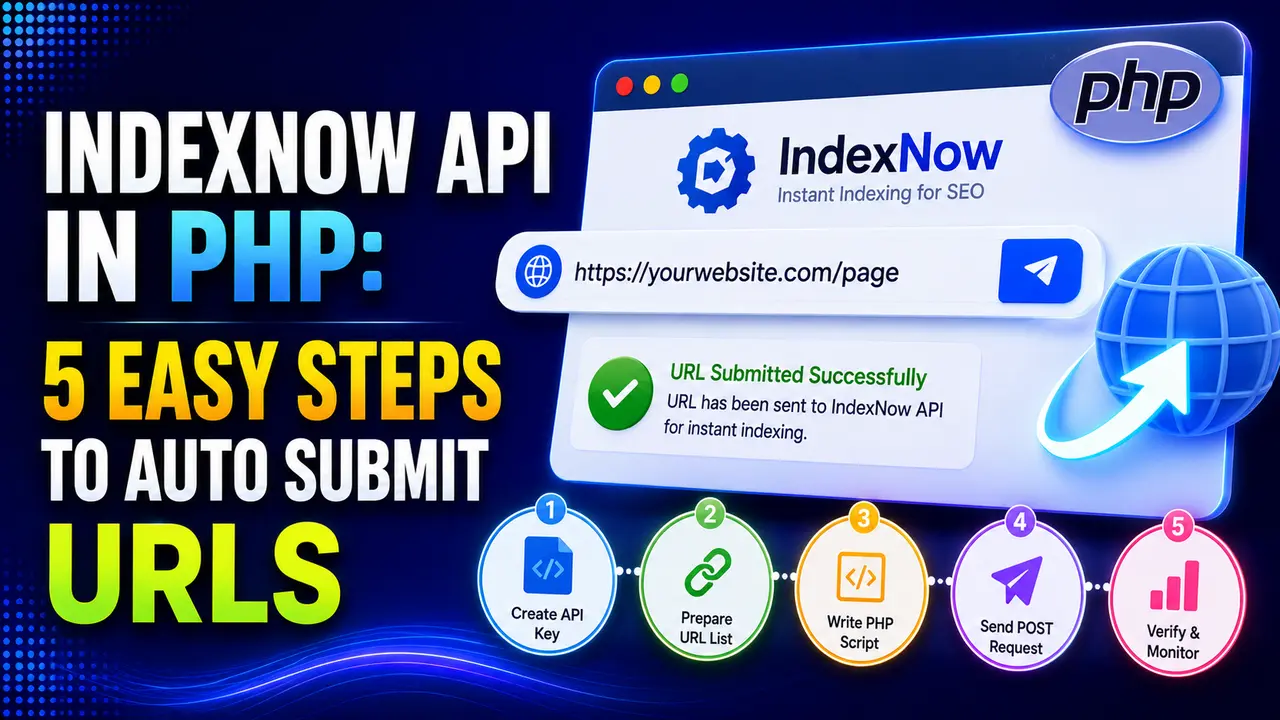
IndexNow reaches Bing, Yandex, and Naver, not Google. Here's a real PHP integration, key generation, single and bulk submission, and reading response codes correctly.
Hey! If you've ever published a page and then waited days for it to show up in search results, this one's about skipping most of that wait entirely.
The IndexNow API in PHP is genuinely simple to wire up once you understand the real shape of it: a key file, a URL submission, and a few honest response codes. The part most guides skip is exactly which search engines actually receive that submission, and that's worth knowing before you build anything.
How Do You Use the IndexNow API in PHP?
Per the IndexNow protocol's own documentation, the whole system runs on two pieces: a small key file hosted on your own domain, and an HTTP request telling a participating search engine a URL was added, changed, or removed.
Here's the detail worth knowing upfront: the IndexNow API in PHP only reaches Bing, Yandex, and Naver, per a current list of participating engines. Google has its own separate Search Console and Indexing API instead, and has not adopted IndexNow, so this won't speed up Google indexing on its own, only the other three.
Yandex's own webmaster documentation confirms it accepts submissions through the same shared protocol rather than a separate proprietary format, which is exactly what makes one real PHP client worth building instead of a different integration per search engine.
That single shared protocol is the entire real appeal here. Before IndexNow existed, getting a new page in front of Bing or Yandex quickly meant waiting for their own crawlers to rediscover your sitemap on their own schedule, sometimes hours or days later, with no direct way to say "this specific URL changed right now." A well built IndexNow API in PHP integration collapses that wait into a single real request fired the moment your own content actually changes.
Tip
Already generating URLs for a sitemap? Our XML sitemap generator in PHP guide covers the same URL collection step this pairs well with.
Generating and Hosting Your IndexNow Key
Per the real documented spec, a key is 8 to 128 characters, limited to letters, digits, and dashes, and it needs to live in a text file at your site's root, named exactly after the key itself. Here's a real key generated with PHP's own cryptographically secure randomness function, not a placeholder string.
function generateIndexNowKey(int $length = 32): string {
    return bin2hex(random_bytes((int) ceil($length / 2)));
}

echo generateIndexNowKey(32);
// -> 1510d26204d2d9799e3b22c60cdb1e90
Save that exact string to a file named 1510d26204d2d9799e3b22c60cdb1e90.txt at your domain's root, containing nothing but the key itself. That file is what a search engine checks to confirm the domain actually authorized the submission, rather than trusting the request alone.
Generate this key once and store it somewhere durable, an environment variable or a config file outside your web root, rather than hardcoding it inline in every script that submits a URL. If it ever needs to change, both the stored value and the hosted text file need updating together, or every future submission from your IndexNow API in PHP integration starts failing with a real 403.
Submitting a Single URL With the IndexNow API in PHP
A single URL submission is a plain GET request, no PHP library required, just file_get_contents() against a real, documented URL format.
$url = urlencode('https://brandella.in/new-post/');
$key = '1510d26204d2d9799e3b22c60cdb1e90';
$endpoint = "https://api.indexnow.org/indexnow?url=$url&key=$key";

$response = file_get_contents($endpoint);
Hitting the universal api.indexnow.org endpoint, rather than a specific engine's own endpoint, is what actually reaches all participating engines from one real request, per the protocol's own documentation. Submitting straight to bing.com/indexnow instead still works, but it only notifies that one engine, losing the whole real point of a single shared submission.
A real production script should check the returned HTTP status too, rather than assuming file_get_contents() succeeding means the submission itself was accepted. A non 200 response from a genuinely reachable server still means something specific went wrong, covered in full further down.
Submitting URLs in Bulk: The Real 10,000 URL Limit
For more than a handful of URLs, a bulk POST request with a real JSON body is the documented approach, and it comes with a real, hard ceiling: up to 10,000 URLs per request, and every one of them has to share the same host as the key file.
This matters most right after a real migration or a bulk content import, exactly the situation where hundreds or thousands of URLs change at once and a single URL loop through the GET endpoint would mean that many separate real HTTP requests instead of one. Batching those changes into chunks of a few thousand and sending each chunk as its own bulk request keeps a large real migration from turning into an unnecessary flood of individual calls.
validateUrlList(['https://brandella.in/a/', 'https://other-site.com/b/'], 'brandella.in')
// -> ['url at index 1 (host: other-site.com) does not match the key file host']

validateUrlList(array_fill(0, 10001, 'https://brandella.in/page/'), 'brandella.in')
// -> ['urlList exceeds the real 10,000 URL limit (10001 provided)']The IndexNow API in PHP doesn't require every URL in a single request to share a scheme, per the real spec you can mix http:// and https:// URLs freely in one bulk submission, as long as the host stays consistent.
Bing's own webmaster blog recommends real restraint for high frequency changes too, an incremental notification pattern for something like review counts, submitting at 1 through 20, then every 5th update from 20 to 100, then every 10th from 100 to 1000, rather than firing a real request for every single tiny change.
Reading the Real Response Codes Correctly
The real documented response codes are specific enough to actually diagnose a failed submission, if the code checks them: 200 for success, 202 when the key itself hasn't finished validating yet, 400 for a malformed request, 403 for a key that doesn't match the hosted file, 422 when a URL's host doesn't match the key file's host, and 429 for rate limiting.
Here's those exact codes proven against a real local server enforcing the same validation rules, hit with a real PHP curl client rather than assumed from the documentation alone.

A correctly matched key and host returns a real 200.

A wrong key returns 403; a mismatched URL host returns 422, the two most common real submission failures.
Treating every response as either "worked" or "failed" throws away exactly the information that tells you whether the problem is the key file, the URL itself, or something else entirely.
A 429 deserves its own real handling too, separate from the outright failures above. It's a rate limit, not a rejection, so the correct response is a real retry after a real backoff delay, not logging it as a broken submission and moving on. A script that treats a 429 the same as a 403 will keep hammering the same endpoint at the same pace, making the actual rate limiting worse rather than backing off from it.
Automating the Submission When Content Actually Publishes
Wiring a manual script to run occasionally defeats most of the real point. The genuinely useful version of the IndexNow API in PHP hooks directly into whatever action already marks a page as published, a CMS's own hook that runs right after a save, a static site generator's own build step, or a queue worker triggered by your own publish endpoint, and fires the submission automatically the moment that happens. On WordPress specifically, the real, documented publish_post action hook is exactly the right point to attach this, firing only once a post genuinely goes live rather than on every draft save.
This isn't a hypothetical integration either. Microsoft's own real IndexNow plugin for WordPress does exactly this, and Search Engine Journal's own coverage of the protocol's launch confirms the same automatic pattern, triggered directly by publishing, as the intended real use case, not a manual, occasional script.
A real queue or a small delay before submitting is worth building in too, rather than firing the request inline during the publish request itself, so a slow or failed IndexNow request never holds up the actual page save. Our PHP cron jobs guide covers a real, reliable pattern for exactly this kind of background task.
Common Pitfalls With the IndexNow API in PHP
None of this replaces a real sitemap or good internal linking, an IndexNow API in PHP integration is a genuinely useful accelerant on top of those fundamentals, not a substitute for having them in the first place.
For the URL sources and scheduling patterns this pairs naturally with, building an XML sitemap generator in PHP and generating SEO friendly URLs in PHP are worth reading alongside this one, and PHP cron jobs covers the background scheduling piece in full.
No. Google has not adopted IndexNow. It currently reaches Bing, Yandex, and Naver, use Search Console or Google's own Indexing API for Google specifically.
No, one real key per domain, hosted once as a text file, works for every URL you ever submit from that domain.
Up to 10,000 in a single bulk POST request, per the real documented limit, mixing http and https URLs freely as long as the host stays the same.
The submitted URL's host doesn't match the key file's own host, the single most common real mismatch to check first.
No, queue it as a background task instead so a slow or failed IndexNow request never delays the actual page save.
Learn Today
IndexNow API
A protocol letting a site notify search engines the moment a URL changes.
Key File
A text file hosted at the domain root proving a submission is authorized.
Bulk Submission
A single POST request covering up to 10,000 real URLs at once.
HTTP 422
The real response when a submitted URL's host doesn't match the key file.
Participating Engines
Currently Bing, Yandex, and Naver, notably not Google.
Universal Endpoint
api.indexnow.org, which forwards one real submission to every participating engine.
Ready to Build Cleaner Tracking?
Explore more Brandella Journal guides on PHP, SEO, and site tooling.