Now Reading: Track Outbound Link Clicks Using GTM: 4 Easy Setup Steps
-
01
Track Outbound Link Clicks Using GTM: 4 Easy Setup Steps
Track Outbound Link Clicks Using GTM: 4 Easy Setup Steps

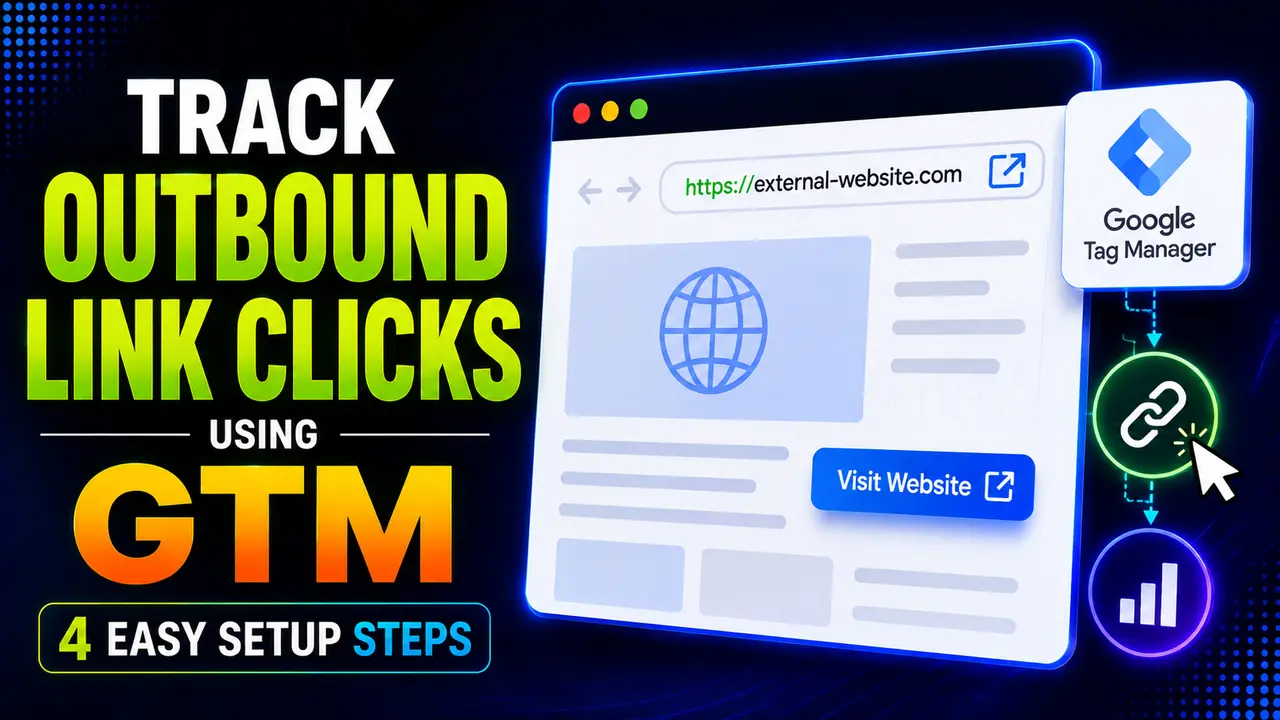
GA4 tracks outbound link clicks automatically, but a documented link text bug and a real navigation timing race can still lose the data. Here's the GTM fix, proven with real timing measurements.
Hey! If a good chunk of your traffic ends up clicking through to a partner site, a portfolio piece, or a paying client's page, this one's about making sure that click actually gets counted.
Outbound link clicks sit in the same spot as file downloads and scroll depth: GA4 already tracks the basics for free, right up until a real navigation event gets in the way of the data actually arriving. Understanding that timing problem is most of what separates a reliable setup from one with quiet gaps.
How Do You Track Outbound Link Clicks?
Good news first: Enhanced Measurement already tracks outbound link clicks automatically, the same way it already covers file downloads and scroll depth in the earlier guides in this series. No GTM required for the basic version.
The real reason to build a custom setup to track outbound link clicks yourself comes down to two documented gaps: a real, known issue with missing link text, and a genuine navigation timing problem that can lose the click entirely if the visitor's browser leaves the page before the tracking request finishes sending.
For a site earning affiliate income, running a referral program, or sending leads to a client's booking page, outbound link clicks are the actual conversion event, not a footnote in a report. Losing even a slice of them to the timing problem above skews revenue attribution more than almost any other tracking gap covered in this series, which is exactly why it's worth fixing properly instead of trusting the automatic version alone.
Tip
New to Tag Manager itself? Our beginner's guide to GTM covers containers and workspaces before you get here.
What GA4's Automatic Outbound Click Event Captures
Google's own Enhanced Measurement reference confirms the event is literally named click, not something more specific, carrying five real parameters: link_url, link_domain, link_classes, link_id, and a boolean outbound flag.
An outbound click, by Google's own definition, is any link leading to a different domain than the current page, with one exception: Data Marketing School's own summary of the feature confirms a link to a domain configured for cross domain measurement never counts as outbound, since GA4 treats that domain as part of the same site.
KRM Digital's own outbound click guide adds a practical detail worth knowing upfront: mailto: and tel: links are excluded entirely, neither one ever counts as an outbound click, automatic or custom.
Once the automatic version is running, outbound link clicks show up in GA4's own Traffic acquisition and Engagement reports as a real click event you can filter by the outbound parameter, no extra configuration needed to see the raw totals. What that stock report can't give you is a clean breakdown by individual link of which clicks are actually driving revenue, since the automatic event bundles the destination URL into a parameter rather than a report dimension.
GA4's automatic outbound click tracking has a real, documented bug: Analytics Mania's own writeup confirms link_text frequently comes back empty for outbound clicks specifically, even though the same parameter works fine for other automatic events.
Setting Up GTM's Native Outbound Link Trigger
GTM's fix for the missing link text bug, and for finer control generally, is its own auto event variable. Analytics Mania's own GTM outbound link walkthrough uses an Element URL variable with Component Type set to Is Outbound, checked against the trigger condition true.
That variable's Affiliated Domains setting is what decides whether a subdomain counts as internal or outbound, using the bare domain only, no www and no protocol. Here's the same logic proven with five real test cases rather than just the documentation's word for it.
// mirrors GTM's real "Is Outbound Link" auto event variable,
// affiliated domains included, all 5 cases pass
isOutboundLink('https://partner-site.com/pricing', 'brandella.in', [])
// -> true

isOutboundLink('https://shop.brandella.in/cart', 'brandella.in', ['shop.brandella.in'])
// -> false, affiliated domain treated as internal

isOutboundLink('mailto:hello@partner-site.com', 'brandella.in', [])
// -> false, mailto links are never outbound

isOutboundLink('https://www.brandella.in/blog', 'brandella.in', [])
// -> false, www is normalized to the bare host before comparing
That extra case matters more than it looks: a naive string comparison between brandella.in and www.brandella.in would wrongly flag a same site link as one of your outbound link clicks, which is exactly the kind of quiet false positive that inflates a report without anyone noticing until the numbers stop making sense.
The Wait for Tags Gotcha: Why Clicks Can Get Lost
This is the real problem worth understanding before you go live. When someone clicks an outbound link that opens in the same tab, the browser starts navigating away almost immediately, and if the tracking request hasn't finished sending yet, it can be cut off mid flight.
GTM's own fix is a per tag setting called Wait for Tags, a short real delay before the navigation is allowed to proceed, giving the tracking request genuine breathing room to complete first. Here's exactly how much that delay matters, measured with a real local server and a real browser.

With no Wait for Tags delay, the real navigation and the real tracking request are racing each other.

A real 300 millisecond Wait for Tags delay gives the same tracking request a guaranteed, comfortable window.
Without that delay, the amount of real headroom before navigation depends entirely on the visitor's network speed, exactly the kind of thing that varies wildly across real traffic and can turn into silently missing outbound click data on a slow connection, even though the same click works perfectly on a fast one during testing.
This is the single most common reason a site's outbound link clicks look fine in testing on a fast office connection but come up short in the real GA4 reports a week later, once real visitors on real mobile networks start clicking through.
Tip
A short delay, typically around 2000ms as a ceiling in GTM's own setting, is enough for nearly all real connections without visitors noticing the pause.
Sending Outbound Clicks to GA4 as a Custom Event
With the trigger and Wait for Tags both configured, map the variables into a GA4 Event tag. Google's own GA4 events reference is worth checking so your custom parameter names line up with the automatic event's own naming, since that consistency is what lets you compare custom and automatic outbound link clicks side by side in the same report while you're transitioning between the two.
| GA4 Event Parameter | GTM Variable | Example Value |
|---|---|---|
| link_url | Click URL | https://partner-site.com/pricing |
| link_text | Click Text | See Their Pricing |
| link_domain | Click URL (hostname portion) | partner-site.com |
If this custom event fully replaces the automatic version, turn off Enhanced Measurement's outbound click toggle in GA4's own settings, since leaving both running reports the same real click twice under the same event name.
A Real Alternative: sendBeacon Instead of a Delay
MDN's own reference for navigator.sendBeacon() documents a real browser API purpose built for exactly this problem, a request the browser itself guarantees will complete even if the page is being torn down for a navigation, without needing an artificial delay at all.
Simo Ahava's own body of work on Google Tag Manager internals is a good next stop if you want to go deeper into how GTM's own tag firing and transport layer actually work under the hood, beyond what a single Wait for Tags setting covers.
web.dev's own guide to the Page Lifecycle API explains why older events like unload and beforeunload are increasingly unreliable for exactly this kind of last moment tracking, since modern browsers can discard a page without ever firing them. Pairing sendBeacon() with a visibilitychange listener instead of an unload event is the approach web.dev itself recommends, and it captures outbound link clicks just as reliably on a page that gets backgrounded as one that navigates away outright.
Common Pitfalls When You Track Outbound Link Clicks
www. or a protocol prefix can quietly break the match.Between the missing link text bug, the navigation timing race, and the false positive risk from an unnormalized domain check, getting outbound link clicks right takes a bit more care than the automatic event alone provides, but every piece of it above is a small, one time setup.
For the broader set of mistakes that trip up GTM setups generally, common GTM mistakes that break your tracking is worth a read alongside this one. And once outbound clicks, button clicks, PDF downloads, and scroll depth are all wired up, our guide to the GTM data layer explains exactly where every one of those pushes actually lands.
Yes. Enhanced Measurement sends a real click event with an outbound parameter for any link to a different domain, no GTM setup required for the basic version.
This is a real, documented gap in GA4's automatic version. A custom GTM setup using the Click Text variable is the fix, since it captures the value reliably.
It delays a same tab navigation briefly so the tracking request has guaranteed time to complete first, rather than racing an unpredictable network round trip against the page leaving.
Only if it isn't listed in the Affiliated Domains setting. Add any subdomain you own there to have it treated as internal instead.
No. Both are excluded entirely from outbound click tracking, automatic and custom alike, and need their own separate trigger if you want to track them.
Learn Today
Outbound Click
A real click on a link pointing to a different domain than the current page.
Is Outbound Variable
GTM's own auto event variable that decides whether a clicked link counts as outbound.
Affiliated Domains
A setting that treats specific other domains, like a subdomain you own, as internal.
Wait for Tags
A tag setting that delays navigation briefly to let a tracking request finish sending.
sendBeacon
A browser API guaranteed to complete a request even during a page navigation.
link_text Gap
A real, documented case where GA4's automatic tracking leaves this parameter empty.
Ready to Build Cleaner Tracking?
Explore more Brandella Journal guides on tracking, analytics, and tag management.